Website Redesign or Website Refresh? How Small Businesses Should Decide
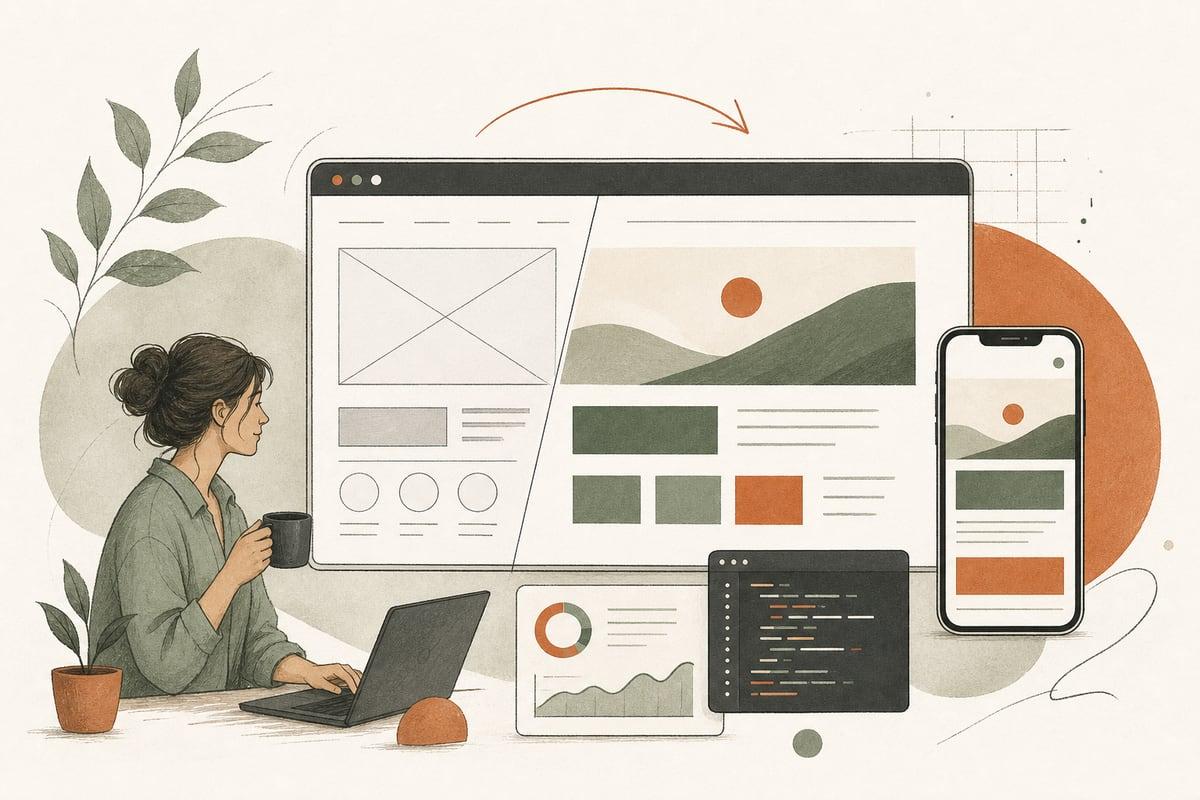
A website refresh is usually enough if your site is structurally sound but looks dated or converts poorly. A full redesign makes more sense when the site is hard to update, slow, broken on mobile, poorly organized, or holding back SEO and lead generation.
Why this decision matters
Small-business owners often feel stuck between two expensive-sounding options: “we need a brand-new website” or “let’s just tweak what we have.” The wrong choice can waste budget either way.
If you do too little, you keep living with the same problems: weak leads, confusing pages, slow load times, and a site that doesn’t reflect your business. If you do too much, you may pay for a full rebuild when a smart refresh would have improved results faster.
The right question is not “What’s cheaper?” It’s “What will help us get more qualified customers without creating unnecessary work?”
What counts as a website refresh?
A refresh improves the site you already have without rebuilding everything from scratch.
This often includes:
- Updating the homepage layout
- Rewriting headlines and calls to action
- Improving service pages
- Refreshing fonts, colors, and imagery
- Cleaning up mobile spacing and usability
- Replacing weak forms
- Improving page speed where possible
- Updating trust signals like reviews, certifications, and FAQs
A refresh is best when the core platform, page structure, and content management setup are still usable.
What counts as a full website redesign?
A redesign is a deeper rebuild of the website’s structure, design system, content flow, and often the technology underneath it.
This may include:
- New sitemap and navigation
- Reworked service architecture
- New design across all major templates
- Rebuilt mobile experience
- CMS cleanup or migration
- Replacing a page builder or outdated theme
- Technical SEO fixes at the template level
- New integrations for CRM, chat, bookings, or AI tools
A redesign is usually the better path when the current site is difficult to manage, hard to scale, or no longer fits how your business sells.
7 signs a refresh is probably enough
If most of these are true, you may not need a full rebuild.
1. Your site still works well on mobile
It may not be perfect, but if customers can read, tap, call, and submit forms without friction, that’s a good sign.
2. Your navigation mostly makes sense
If visitors can find your services, locations, pricing cues, and contact information, your structure may be salvageable.
3. You can edit pages without fighting the system
If your team can update text, images, blog posts, and basic landing pages without breaking the site, the CMS may still be doing its job.
4. Your main problem is conversion, not technology
Maybe traffic is decent, but the site is not turning visitors into calls or form submissions. That often points to messaging, trust, layout, and calls to action—not necessarily a total rebuild.
5. Your branding has evolved, but not radically
A visual refresh can go a long way if your business has matured but your site still looks stuck in 2019.
6. Your pages already rank for important searches
If you have existing SEO value, a refresh can preserve those rankings while improving page performance and lead flow.
7. You need improvements quickly
A refresh can often be phased in page by page, which is useful when you need better results this quarter rather than six months from now.
7 signs you probably need a redesign
When these issues stack up, patching the old site usually costs more in the long run.
1. The site is slow because of how it was built
If the site relies on a bloated theme, outdated plugins, or a messy page builder setup, speed fixes may only go so far.
2. It breaks easily when edited
If every content change requires a developer—or worse, causes layout problems—the website is costing you time and risk.
3. Mobile experience is consistently poor
If buttons are too small, content is cramped, or forms are painful on phones, you are likely losing customers.
4. Your service pages are disorganized
Many older small-business websites were built like brochures, not lead-generation tools. If your offerings have grown and your pages no longer match how buyers search, a redesign can fix the information architecture.
5. SEO issues are baked into the template
Examples include duplicated metadata controls, bad heading structure, weak schema support, or pages that create indexing clutter. Those problems are often better solved at the system level.
6. You need new functionality
If you want better appointment booking, AI chat, intake workflows, multilingual support, gated resources, or CRM integration, your current setup may be too limited.
7. The site no longer reflects your business
If your company has changed location, audience, services, pricing model, or positioning, a redesign can align the website with where the business is going—not where it used to be.
A practical way to decide: score your current site
Give your website a score from 1 to 5 in each category:
- Mobile usability
- Page speed
- Ease of editing
- Lead generation performance
- Visual credibility
- SEO foundation
- Navigation clarity
- Ability to support new features
How to read the score
- Mostly 4s and 5s: Refresh first
- Mixed 2s to 4s: Refresh key pages, then reassess
- Mostly 1s and 2s: Redesign is likely the smarter investment
This is not a scientific formula, but it helps separate “I’m tired of looking at it” from real business problems.
ROI: when a refresh makes more sense
A refresh often gives the best return when your main goal is to improve conversions without replacing the whole engine.
Good candidates include:
- Local service businesses with decent traffic but weak inquiry rates
- Law firms or clinics with dated design but solid content
- Nonprofits that need clearer donation or contact flows
- Contractors whose galleries, reviews, and service pages need stronger presentation
A refresh can improve:
- Form submissions
n- Phone calls
- Appointment requests
- Time on page
- Trust and professionalism
The trade-off: if the technical foundation is poor, you may hit a ceiling quickly.
ROI: when a redesign is worth it
A redesign tends to pay off when the existing site creates ongoing friction for staff and customers.
Good candidates include:
- Businesses stuck on an outdated WordPress setup
- Companies relying on a theme that is difficult to customize
- Multi-location businesses with confusing navigation
- Firms planning SEO growth and location/service landing pages
- Teams that want AI chat, custom forms, automation, or better integrations
A redesign can reduce hidden costs like:
- Developer dependence for minor edits
- Plugin conflicts and security problems
- Lost leads from broken forms or poor mobile UX
- SEO limitations caused by old templates
The trade-off: it takes more planning, content work, and upfront budget.
What to do before you hire anyone
Before you ask for proposals, gather a few basics. This will help you get better advice and more accurate pricing.
Your pre-project checklist
- List your top 3 business goals for the website
- Identify your most important pages
- Note what customers ask before they contact you
- Review your current forms, calls to action, and booking flow
- Check mobile experience on your own phone
- Pull basic analytics: top pages, traffic sources, conversions if available
- Write down features you wish the site had
- List anything your staff hates updating
This makes it much easier to tell whether the issue is cosmetic, structural, or technical.
Smart middle ground: phased improvement
For many small businesses, the best answer is not a binary one.
A common path looks like this:
- Fix urgent issues first: speed, mobile, broken forms, weak calls to action
- Refresh the highest-value pages: homepage, service pages, contact, about
- Improve SEO structure and internal links
- Add needed features like chat, intake automation, or booking
- Reassess whether a deeper redesign is still necessary
This phased approach can reduce risk and spread budget over time while still improving results.
The bottom line
Choose a refresh if your website’s foundation is solid and the main problems are messaging, design polish, and conversion performance. Choose a redesign if the site is slow, hard to manage, poorly structured, or limiting growth.
The goal is not to win a design award. It’s to make the website easier to trust, easier to use, and more effective at turning visitors into customers.
Frequently asked questions
How often should a small business redesign its website?
There is no fixed rule. Some sites can go years with only refreshes, while others need a redesign sooner because of technical debt, mobile issues, or business changes.
Will a redesign hurt my SEO?
It can if handled poorly. But with proper redirects, preserved content value, and technical SEO planning, a redesign can maintain or improve rankings.
Is a website refresh cheaper than a redesign?
Usually yes, but not always. If your current site has deep technical problems, repeated patchwork can end up costing more than rebuilding correctly.
Can I refresh my site without changing platforms?
Often yes. If your WordPress setup is stable and editable, a refresh may improve design and conversions without a migration.
What if I’m not sure which option I need?
Start with a professional audit focused on leads, mobile usability, speed, SEO, and editing workflow. If you want a practical second opinion, you can book a free consultation at https://webmasterandmore.com/consultation.
Free 60-second checkup
How healthy is your own website?
Paste your address, get an instant health check — speed, mobile experience, Google visibility, trust, and security. No email required.
Check my website freeOr just take one tip a month
A short monthly email with one practical way to make your website work harder. No spam, unsubscribe anytime.