The Best Small-Business Website Upgrade for 2026? Add an AI Lead Capture Assistant
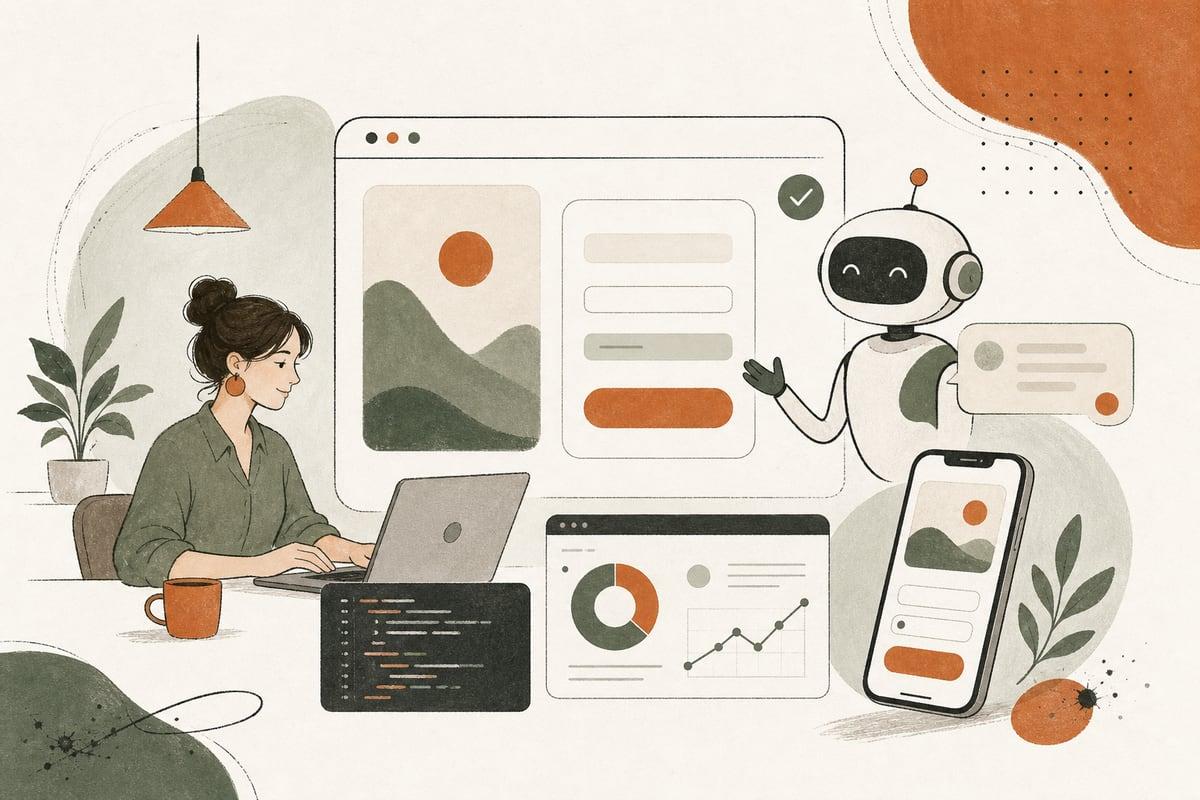
Most small businesses do not need a flashy AI gimmick on their website. They need a practical system that answers basic questions, captures leads after hours, and helps more visitors take the next step.
What an AI lead capture assistant actually does
An AI lead capture assistant is a website chatbot or guided conversation tool trained on your business information. Its job is not to replace your team. Its job is to help visitors move forward when your staff is busy, your office is closed, or someone is not ready to call yet.
For a small business, that usually means the assistant can:
- Answer common pre-sales questions
- Ask a few qualifying questions
- Collect name, phone, email, and project details
- Route urgent inquiries differently from routine ones
- Help people book a consultation or request service
- Respond instantly outside business hours
- Pass conversation summaries to your team
This is especially useful for clinics, law firms, contractors, home-service companies, nonprofits, and local professional services where visitors often have simple but important questions before they are ready to contact you.
Why this matters more than adding another contact form
A standard form works for people who already know they want to reach out. Many visitors are not there yet.
They may be wondering:
- Do you serve my area?
- Can you help with my type of case, repair, or project?
- What happens next?
- How soon can someone get back to me?
- Do you work with insurance?
- What does the process usually look like?
If your website makes them hunt for answers, many will leave. An AI lead capture assistant keeps the conversation going in the moment.
That matters because a lot of small-business leads are time-sensitive. If someone lands on your site at 8:30 PM and cannot get basic answers, they may contact the next business on Google. If your site can engage them immediately and collect the right details, you have a better shot at winning that customer the next morning.
Good fit vs bad fit
AI lead capture can be very effective, but it is not right for every business.
It is a good fit if:
- You already get some website traffic
- You miss calls or leads after hours
- Your team answers the same questions repeatedly
- Your sales or intake process starts with predictable questions
- You want to pre-qualify leads before staff follow-up
- You have service areas, pricing ranges, or process details that can be clearly explained
It may be a bad fit if:
- Your site gets very little traffic
- Your service is so specialized that every answer requires expert judgment
- You do not have clear intake steps yet
- You are hoping AI will fix a weak offer or poor website messaging
- You cannot monitor and follow up on leads consistently
In other words, AI works best when it supports a solid business process. It does not replace one.
What your AI assistant should say yes to
A useful assistant should handle narrow, practical tasks well. Start there.
Here are smart use cases:
- “Do you serve Pasadena and Glendale?”
- “What types of personal injury cases do you handle?”
- “Do you offer emergency HVAC service?”
- “Can I book an estimate?”
- “What information should I have ready before my appointment?”
- “How does your process work?”
- “Can you take my details and have someone call me tomorrow?”
It should also collect context your team needs, such as:
- Location
n- Type of service needed
- Timing or urgency
- Budget range, if appropriate
- Preferred contact method
- Best callback time
The result is not just a chat transcript. It is a cleaner, more actionable lead.
What your AI assistant should not do
This is where many businesses get it wrong.
Do not ask your assistant to:
- Give legal, medical, or other regulated professional advice
- Pretend to be human if it is not
- Make promises about pricing, timelines, or outcomes unless those rules are tightly controlled
- Answer every possible question on earth
- Hide your phone number or make chat the only contact option
A good setup is transparent and limited. It should help people, not trap them in a bot loop.
The best places to use it on your website
You do not need to put an AI assistant everywhere equally.
The highest-impact pages are usually:
- Homepage
- Service pages
- Location pages
- Pricing or estimate pages
- Contact page
- High-traffic blog posts with buyer intent
For example, if someone lands on a service page from Google, the assistant can ask a relevant question like: “Need help with this service? I can help you check service area, timing, and next steps.”
That is usually more effective than a generic “How can I help?” bubble.
How to know if it will produce ROI
Do not judge it by whether it sounds impressive. Judge it by whether it helps you get more qualified conversations.
A simple way to evaluate ROI is to track:
- Number of leads started in chat
- Number of completed contact captures
- Number of booked consultations from chat
- Quality of those leads compared with regular forms
- After-hours leads captured that would otherwise be missed
- Time saved for staff on repetitive intake questions
For many small businesses, the biggest win is not just more leads. It is faster response, cleaner intake, and fewer missed opportunities when nobody is available to answer the phone.
Common setup mistakes to avoid
Here are the problems that make AI chat feel annoying or ineffective:
1. It has no clear goal
If the assistant tries to do everything, it usually does nothing well. Pick one or two goals first: qualify leads, answer FAQs, or book consultations.
2. It is trained on weak website copy
If your website is vague, outdated, or confusing, the bot will repeat that confusion. Your service pages and FAQs need to be clear first.
3. There is no handoff process
If the chat collects leads but nobody follows up quickly, you have just created a nicer-looking dead end.
4. It interrupts visitors too aggressively
An instant pop-up on every page can hurt user experience. Timing and placement matter.
5. It is not tested on real questions
Before launch, test it using the exact questions customers ask on the phone and by email. That is where the value comes from.
A practical rollout plan for small businesses
If you are considering this for your site, keep the first version simple.
Step 1: Identify your top 10 intake questions
Pull these from:
- Phone calls
- Contact form submissions
- Emails
- Sales or front-desk staff
Step 2: Define the one main conversion goal
Choose the most valuable next step:
- Book a consultation
- Request an estimate
- Start intake
- Leave contact details for a callback
Step 3: Write approved answers and boundaries
Decide what the assistant can answer, what it should escalate, and what it should never say.
Step 4: Connect it to your workflow
Make sure leads go somewhere useful:
- Email inbox
- CRM
- Help desk
- Booking system
- Text or call alert for urgent leads
Step 5: Review transcripts and improve weekly
This is important. The first version is not the final version. Review real conversations, fix weak answers, and tighten the qualification flow.
WordPress, custom sites, and implementation options
If your website runs on WordPress, an AI assistant can usually be added without rebuilding the entire site. The same is true for many custom and headless websites.
But implementation quality matters.
A cheap plugin may be easy to install, but it may also:
- Slow down your site
- Look off-brand
- Capture poor-quality leads
- Create privacy concerns
- Offer weak reporting
A better setup is usually customized to your business, your pages, and your intake process. That does not always mean something huge or expensive. It just means the tool should fit how you actually win customers.
The real question to ask before adding AI to your website
Do not ask, “Should we have an AI chatbot?”
Ask, “Where are we losing potential customers because people cannot get answers or take action quickly enough?”
If the answer is after-hours traffic, missed calls, repetitive intake questions, or low form conversion rates, an AI lead capture assistant may be one of the most practical upgrades you can make.
Used well, it does not replace your team. It helps your website act more like a helpful front desk: available, clear, and focused on getting the right people to the right next step.
Frequently asked questions
Is an AI website assistant the same as a live chat tool?
No. Live chat depends on a person being available. An AI assistant can respond instantly at any hour, though it can also hand off to a human when needed.
Will visitors get frustrated by a chatbot?
They might if it is intrusive, generic, or unhelpful. A well-configured assistant that answers real questions and offers an easy path to call or contact you is usually much more useful.
Can this work on a WordPress site?
Yes. It can be added to many WordPress sites, as well as custom and headless websites. The main issue is choosing the right setup and integrating it properly.
Does an AI assistant replace my receptionist or intake staff?
Usually no. It works best as support for your team by handling routine questions, capturing leads, and organizing intake details.
How do I know if my business is ready for this?
If your website gets traffic, your team answers repetitive questions, or you miss leads after hours, you are probably ready to explore it.
If you want help figuring out whether an AI lead capture assistant makes sense for your website, book a free consultation: https://webmasterandmore.com/consultation
Free 2-minute assessment
Where could AI actually save your business time?
Answer a few questions about how you work today and get a personalized report on where AI and automation would pay off first — no email required to see it.
Take the free AI assessmentOr just take one tip a month
A short monthly email with one practical way to make your website work harder. No spam, unsubscribe anytime.