Should Your Website Have a Resources Page? A Small-Business Guide to Educating Buyers and Generating Better Leads
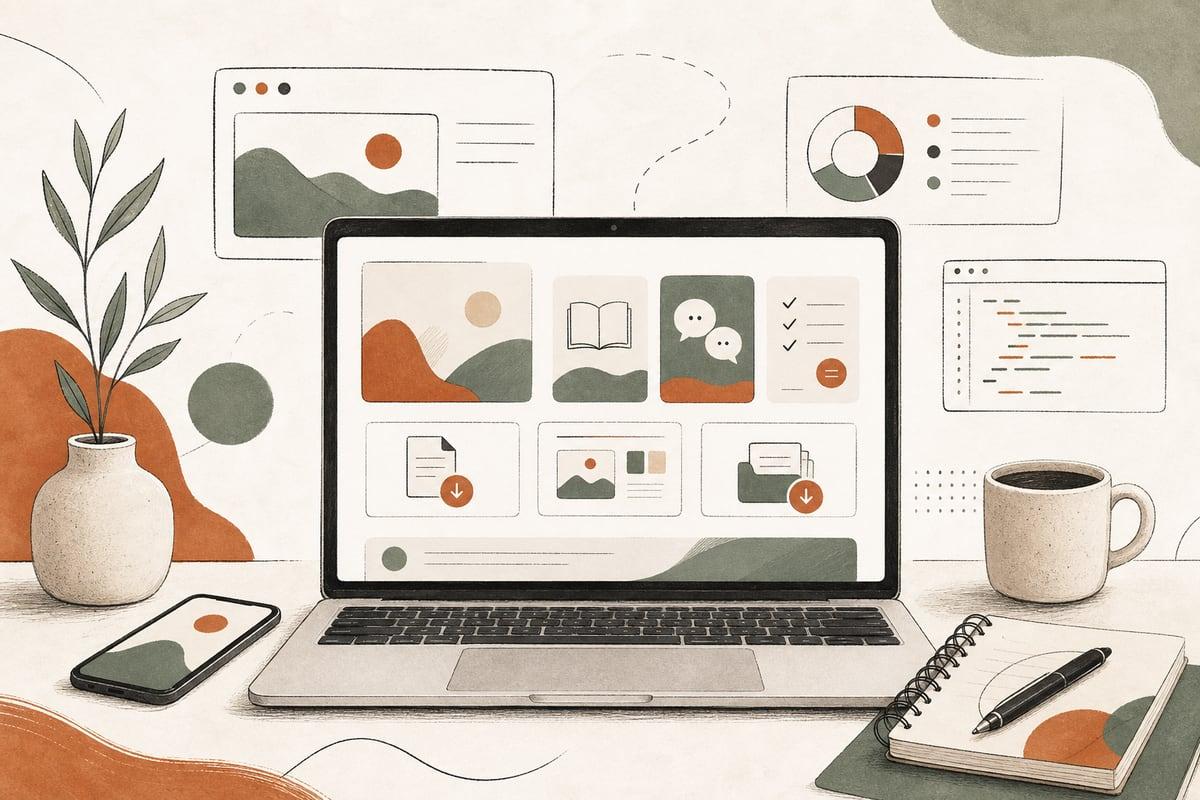
A resources page can be a smart website upgrade if your prospects ask the same questions before they contact you. Done well, it helps buyers trust you faster, improves SEO, and brings in better-qualified leads without making your site feel bloated.
What a resources page actually does
A resources page is a central place on your website where visitors can find useful, buyer-oriented content such as guides, checklists, FAQs, short explainers, videos, downloads, or tools. Think of it as a help center for people who are interested in what you do but are not ready to contact you yet.
For small businesses, that matters because many visitors are in research mode. They are comparing providers, checking prices, trying to understand timing, or figuring out whether they even need the service. If your site helps them answer those questions clearly, you increase the odds that they contact you instead of bouncing back to Google.
A good resources page can also reduce repetitive sales conversations. If your office keeps answering the same five pre-sale questions every week, those questions probably belong on your website.
When a resources page makes sense
A resources page is usually worth adding if one or more of these are true:
- Your prospects need education before they buy
- Your service has a longer decision cycle
- You get lots of similar questions by phone, email, or form
- You serve multiple customer types with different concerns
- You want more organic traffic from informational searches
- You want to build trust before asking for a consultation
- Your current blog exists, but it is hard to navigate or too random
This works especially well for businesses like:
- Law firms explaining process, timelines, or common legal questions
- Clinics answering treatment, insurance, or candidacy questions
- Contractors outlining project phases, costs, and permit basics
- Nonprofits explaining services, eligibility, and local programs
- Local service businesses helping prospects compare options
If your sales process depends on informed buyers, a resources page can help.
What to include on a small-business resources page
The biggest mistake is making the page a dumping ground for every article you have ever published. A good resources page should feel organized and intentional.
Here are the most useful content types.
1. Buyer guides
These are practical articles that help someone make a decision.
Examples:
- How to choose the right type of service
- What the process looks like from start to finish
- What affects timeline or cost
- What to prepare before the first appointment or consultation
These guides often attract visitors earlier in the buying journey.
2. FAQs and plain-English explainers
These help reduce confusion and increase trust.
Examples:
- Do I need this service or not?
- How long does it take?
- What does insurance cover?
- What happens after I submit a form?
Plain-English wins here. Avoid jargon-heavy answers that sound like they were written for peers instead of customers.
3. Checklists and downloads
These can be simple but useful.
Examples:
- New client checklist
- What documents to bring
- Questions to ask before hiring anyone in this category
- Pre-project planning checklist
You do not always need a form gate. In many cases, making the resource instantly accessible creates a better experience.
4. Short videos or visual explainers
Some buyers would rather watch than read. A 60-second video answering a common question can do a lot of trust-building.
5. Tools or simple calculators
If your business has repeatable pre-qualification steps, a basic tool can help visitors self-educate.
Examples:
- Rough project budget ranges
- Eligibility checkers
n- Service-area lookup tools
- Intake or readiness assessments
These should be accurate, useful, and honest about limitations.
How a resources page helps you get more customers
This is not just an SEO play. A good resources page improves conversion quality in a few practical ways.
It builds trust before the first conversation
When a prospect sees that you explain things clearly and helpfully, they feel less risk. That matters for services that are expensive, unfamiliar, or stressful.
It improves lead quality
Educated prospects tend to ask better questions and come in with more realistic expectations. That can mean fewer bad-fit leads and smoother consultations.
It supports SEO across multiple search intents
Your homepage and service pages target buyer-intent searches. Resource content can target question-based and research-focused searches. Together, they create a stronger overall site.
It gives your follow-up team better assets
When someone contacts you, your team can send the exact guide or checklist that answers their next question. That helps move the lead forward faster.
It keeps visitors on your site longer
If people can easily find related answers, they are more likely to continue exploring instead of leaving to research elsewhere.
What to avoid
Not every resources page works. Some become cluttered and actually make the website harder to use.
Avoid these common mistakes:
- Posting random topics unrelated to buyer questions
- Organizing by date instead of need or topic
- Writing only for search engines instead of humans
- Hiding service-page calls to action
- Creating thin articles that answer almost nothing
- Publishing too much before you have a clear structure
- Letting old content go stale
A weak resources page can make your business look messy or outdated. Quality matters more than volume.
A simple structure that works
For most small businesses, this format is enough:
- A main Resources page
- Clear topic categories
- Featured articles or guides for top buyer questions
- Helpful internal links to service pages
- Calls to action for consultation, booking, or contact
Your categories might look like this:
- Getting started
- Pricing and planning
- Process and timelines
- Common questions
- Service-specific guides
- Downloads and tools
The page should be easy to scan. Use short descriptions so visitors know what each resource will help them do.
How to choose the first resources to create
Do not start with keyword spreadsheets alone. Start with real customer friction.
Build your first resources from these sources:
- Questions your team answers repeatedly
- Objections that slow down sales
- Confusion that causes people to delay contacting you
- Topics that come up in consultations
- Search queries in Google Search Console
- Blog posts that already get traffic but need improvement
A practical starting checklist:
- List your 10 most common pre-sale questions
- Group them into 3 to 5 themes
- Turn the biggest themes into core guides
- Link each guide to the right service page
- Add one clear next step on every resource
That approach usually works better than publishing lots of disconnected blog posts.
Should this be a blog, a learning center, or a resources hub?
The label matters less than the structure.
If you publish frequent articles, a blog can work. But many small businesses benefit from a more curated resources hub because it feels more useful and less like a news feed.
A “resources” section is often better when:
- Your content is evergreen
- Buyers need guidance, not updates
- You want stronger organization by topic
- You want the section to support conversions more directly
In other words, a blog is a format. A resources hub is a system.
How AI can make a resources page more useful
AI can help here, but it should support clarity, not replace it.
Useful examples include:
- An AI assistant that recommends the right guide based on visitor questions
- Automated content tagging and organization
- Chatbot answers that pull from your approved resources
- Follow-up emails or texts that send relevant articles after inquiries
The key is control. If AI is involved, the underlying content still needs to be accurate, current, and written in your business’s voice.
The best fit for a resources page
A resources page is usually a strong idea if your business sells trust-based services and your buyers need education before they act. It is less about publishing more content and more about making buying easier.
If your website already gets some traffic but too many visitors leave without contacting you, a well-structured resources section can help bridge that gap. It gives people a reason to stay, learn, and feel ready.
For many small businesses, that is one of the most practical ways to turn a website from an online brochure into a customer acquisition tool.
Frequently asked questions
Is a resources page the same as a blog?
Not exactly. A blog is usually chronological. A resources page is more curated and organized around buyer needs.
Will a resources page help SEO?
Yes, if the content answers real questions, is well-structured, and connects clearly to your services. It should support both rankings and conversions.
How many resources should we launch with?
Usually 5 to 10 strong pieces is enough to start. Focus on your most important buyer questions first.
Should we gate downloads behind a form?
Sometimes, but not always. If the goal is trust and usability, ungated content often performs better. Gate only when the resource is genuinely valuable and the follow-up plan is solid.
What if we already have blog posts?
You may not need all-new content. Often the better move is to reorganize, improve, and connect what you already have.
If you want help planning a resources hub, improving your website structure, or turning content into better leads, book a free consultation at https://webmasterandmore.com/consultation.
Free 60-second checkup
How healthy is your own website?
Paste your address, get an instant health check — speed, mobile experience, Google visibility, trust, and security. No email required.
Check my website freeOr just take one tip a month
A short monthly email with one practical way to make your website work harder. No spam, unsubscribe anytime.