Should You Use AI to Handle Appointment Reminders and Pre-Visit Instructions? A Small-Business Guide to Fewer No-Shows and Less Admin Work
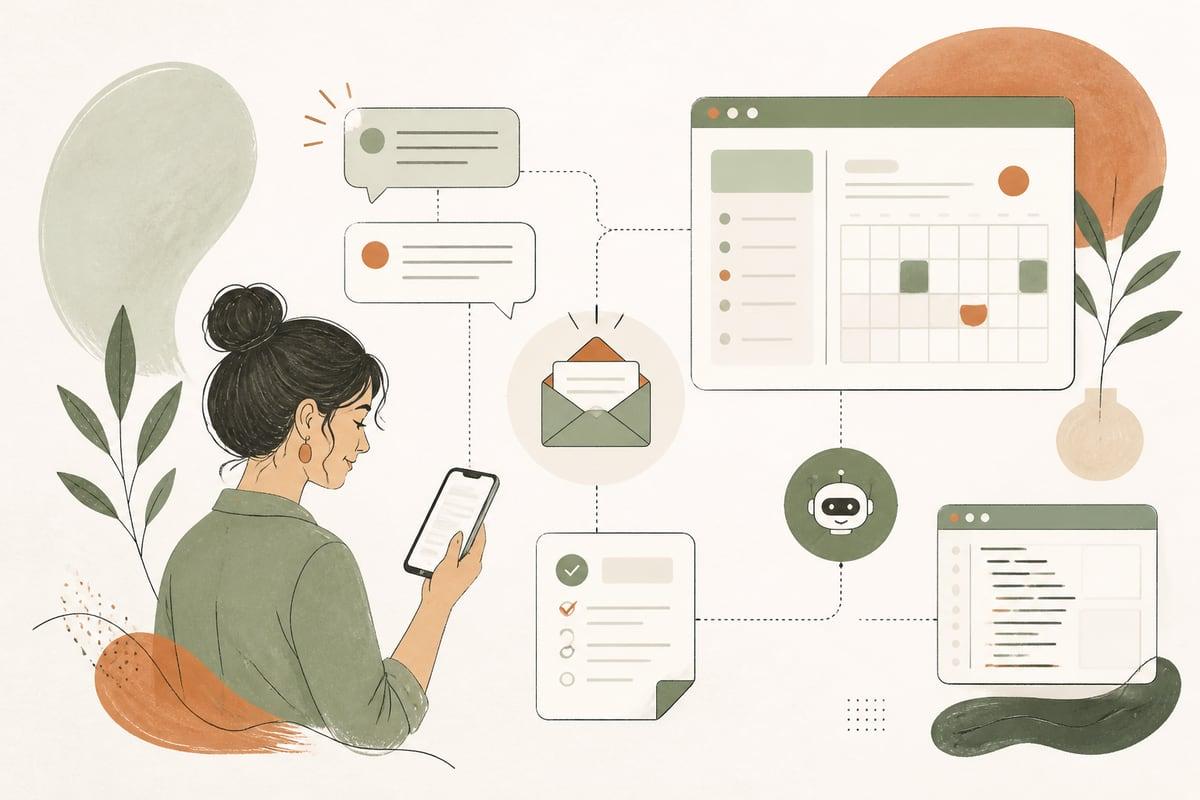
If your business relies on appointments, AI can help reduce no-shows and repetitive admin by sending reminders, answering common prep questions, and delivering the right instructions before a visit. The real win is not “using AI” for its own sake — it’s creating a smoother path from booking to showing up.
Why this matters for small businesses
A lot of small businesses lose time and revenue in the gap between appointment booked and customer arrives.
That gap is where problems pile up:
- people forget the appointment
- they do not know what to bring
- they are unclear on parking, paperwork, pricing, or timing
- staff spend hours sending reminder texts or answering the same questions
- last-minute cancellations create holes in the schedule
This is especially common for:
- clinics and wellness practices
- law firms offering consultations
- home-service companies scheduling estimates
- contractors booking site visits
- salons, med spas, and personal-care businesses
- nonprofits scheduling appointments or intake sessions
If your process depends on a staff member manually texting, calling, or emailing each person, it usually works until volume picks up. Then follow-up becomes inconsistent, and missed appointments start costing you real money.
What an AI reminder and pre-visit workflow actually does
This is not just a calendar reminder.
A good AI workflow can:
- confirm the appointment immediately after booking
- send timed reminders by text and email
- share pre-visit instructions based on service type
- answer common questions automatically
- collect missing details before the appointment
- flag problems to your team when a human should step in
- reschedule or escalate when someone says they cannot make it
For example:
- A dental office can send reminders plus instructions about forms, insurance cards, and arrival time.
- A law firm can remind a consultation lead what documents to gather before the meeting.
- A contractor can confirm a site visit and ask the customer to upload photos or describe access issues.
- A med spa can send prep instructions that depend on the treatment booked.
That means fewer surprises, fewer back-and-forth messages, and fewer appointments that fall apart because the customer was confused.
The business case: where the ROI usually comes from
For most small businesses, the value comes from four places.
1. Fewer no-shows and late cancellations
People are more likely to show up when they get the right reminder at the right time, especially if the message also answers the question they were about to ask.
2. Less staff time spent on repeat tasks
Your team should not have to manually send the same “just confirming for tomorrow” message all day.
3. Better-prepared customers
When customers know what to bring and what to expect, the appointment goes more smoothly.
4. Easier rescheduling instead of silent drop-off
If someone cannot make it, an automated workflow can guide them toward rescheduling instead of simply disappearing.
Signs your business is a good fit for this
You are probably a good fit for AI appointment reminders and pre-visit automation if:
- you book appointments, consultations, estimates, or service visits
- staff regularly call or text people to confirm they are coming
- customers often ask the same pre-appointment questions
- no-shows or poor preparation disrupt your day
- your bookings come through multiple channels, like website forms, phone calls, chat, or manual entry
- your current reminder system is too basic or not tailored to the service booked
You do not necessarily need a huge volume of appointments. Even a moderate appointment schedule can justify automation if each missed slot is expensive or hard to refill.
What the workflow should include
The best setup is usually simple, specific, and tied to your actual customer journey.
1. Instant confirmation
As soon as the appointment is booked, the customer should get a clear confirmation message with:
- date and time
- location or meeting link
- service booked
- next steps
- how to reschedule if needed
This reduces uncertainty right away.
2. Timed reminders
Most businesses benefit from more than one reminder. For example:
- immediately after booking
- 48 hours before
- 24 hours before
- a few hours before, if appropriate
The right timing depends on your business. A legal consultation and a same-day repair call do not need the exact same sequence.
3. Service-specific instructions
This is where automation becomes much more useful than a generic appointment tool.
Different services often need different instructions, such as:
- forms to complete
- documents to bring
- fasting or prep requirements
- parking information
- who needs to be present
- how long the appointment will take
- whether a deposit, estimate fee, or co-pay applies
If everyone gets the same message regardless of service type, you lose a lot of the value.
4. Two-way replies
The workflow should not just broadcast messages. It should also handle replies like:
- “I need to reschedule”
- “Where do I park?”
- “Can I bring my spouse?”
- “What documents do I need?”
- “I’m running late”
Some replies can be answered automatically. Others should be routed to staff with context.
5. Escalation rules
AI should not pretend to handle everything.
Create clear handoff rules for situations like:
- billing disputes
n- urgent medical or legal concerns
- confused or upset customers
- repeated failed delivery of messages
- VIP or high-value appointments
Good automation helps your team step in faster, not later.
Common mistakes to avoid
Small businesses often run into trouble when they overcomplicate this or treat it like a magic fix.
Mistake 1: Using generic reminders only
A plain “this is your reminder” text is better than nothing, but it does not solve preparation problems.
Mistake 2: Sending too many messages
Too many reminders feel spammy. The goal is clarity, not annoyance.
Mistake 3: Ignoring tone
Your reminders should sound like your business: professional, calm, and helpful. Not robotic or pushy.
Mistake 4: Not integrating with your actual systems
If your calendar, CRM, forms, booking system, and messaging tools are disconnected, staff end up fixing errors manually.
Mistake 5: No human backup
Customers still need a clear path to reach a real person.
A practical rollout plan
You do not need to automate everything on day one.
Here is a smart way to start.
Phase 1: Pick one appointment type
Start with the appointment category that causes the most friction, such as:
- new patient visits
- legal consultations
- estimate appointments
- intake calls
- treatment sessions with prep requirements
Phase 2: Map the current process
Write down:
- how people book
- what your team sends manually today
- what customers frequently ask
- where no-shows or confusion happen
- when staff need to take over
Phase 3: Build the message sequence
Keep it practical. Draft:
- confirmation message
- reminder messages
- prep instructions
- common FAQ replies
- reschedule flow
- escalation triggers
Phase 4: Connect the systems
This usually means connecting some combination of:
- your website forms
- booking software
- CRM
- email platform
- text messaging tool
- calendar
- internal notifications
Phase 5: Test the experience
Before going live, test:
- correct timing
- correct service-specific instructions
- reply handling
- staff alerts
- reschedule paths
- edge cases like duplicate bookings or missing phone numbers
Should you use AI for this or just standard automation?
Sometimes standard automation is enough.
If your needs are simple, rule-based reminders may do the job.
AI becomes more valuable when you want the system to:
- answer natural-language questions
- adapt responses based on service type or customer status
- interpret inbound texts or emails
- detect when a message needs a human handoff
- collect details conversationally instead of through a rigid form
In other words, if your workflow includes real back-and-forth, not just scheduled reminders, AI can be a strong upgrade.
What success looks like
A good result is not “we added AI.”
A good result looks like this:
- customers know what to expect
- more people show up prepared
- fewer appointments fall through silently
- staff spend less time on repetitive outreach
- rescheduling happens earlier and more cleanly
- your business feels more responsive without adding admin overhead
That is the real point: better customer experience and better use of your team’s time.
Final takeaway
If missed appointments, repeat questions, and manual reminders are eating up staff time, AI can help by turning your pre-visit process into a consistent, customer-friendly workflow. The best systems are not flashy — they are clear, reliable, and built around the real questions your customers ask before they show up.
If you want, Webmaster & More can help you design and build an AI reminder and pre-visit workflow that connects with your website, booking tools, CRM, and internal process. You can book a free consultation at https://webmasterandmore.com/consultation.
Frequently asked questions
Can AI reminders work with my current booking system?
Often, yes. It depends on the booking platform and whether it supports integrations or API access. In many cases, we can connect reminders, text messaging, and CRM actions without replacing your existing tool.
Are AI appointment reminders only useful for medical offices?
No. They can help any business that relies on scheduled appointments, including law firms, contractors, consultants, salons, nonprofits, and local service businesses.
Will customers get annoyed by automated messages?
They can, if the workflow is poorly designed. The fix is to keep messages helpful, well-timed, and relevant to the service booked.
Do I need AI if my software already sends reminders?
Maybe not. If your current setup already reduces no-shows and handles common questions well, basic automation may be enough. AI is more useful when you need two-way conversations, tailored instructions, and smarter handoffs.
What is the first step if I want to set this up?
Start by reviewing your current appointment process and identifying where customers get confused or drop off. Then map the reminders, prep information, and questions that could be handled automatically before involving your team.
Free 2-minute assessment
Where could AI actually save your business time?
Answer a few questions about how you work today and get a personalized report on where AI and automation would pay off first — no email required to see it.
Take the free AI assessmentOr just take one tip a month
A short monthly email with one practical way to make your website work harder. No spam, unsubscribe anytime.