Should You Use AI to Follow Up With Website Leads Who Go Cold? A Small-Business Guide to Staying Top of Mind Without More Admin Work
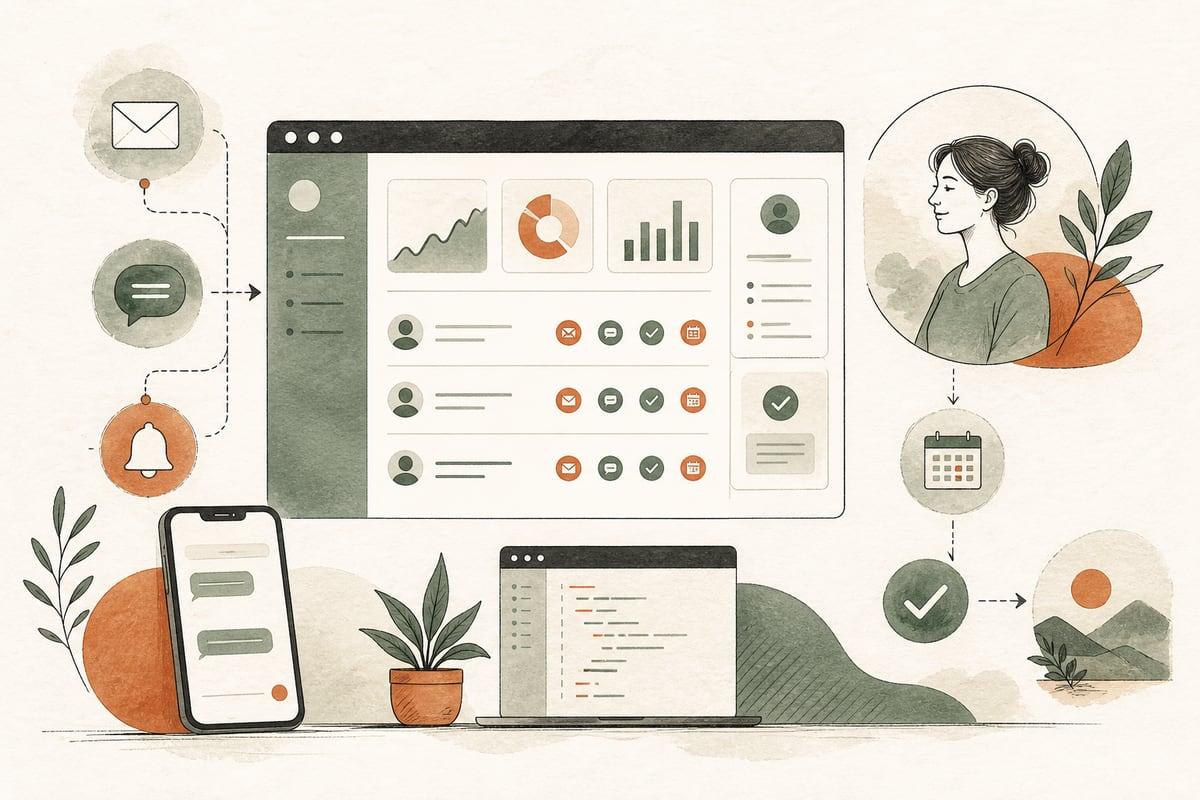
Most small businesses do not lose leads because nobody was interested. They lose them because follow-up stops too soon, happens too slowly, or depends on a busy team remembering who to contact next.
If website leads are going cold after the first message, AI can help you run steady, personalized follow-up across email, text, and internal reminders so more good prospects come back and book.
What “cold lead follow-up” actually means
A cold lead is usually not a dead lead. In many small businesses, it simply means someone who:
- filled out your contact form but stopped replying
- asked for pricing but did not make a decision yet
- called, texted, or emailed and then disappeared
- got busy, forgot, or needed more time
- wanted to compare options before moving forward
That matters because many of these people are still viable customers. They just are not ready at the exact moment your team first reaches out.
Without a system, these leads often sit in an inbox, a spreadsheet, a CRM, or a staff member’s memory. That is where revenue leaks happen.
Why manual follow-up breaks down
Business owners usually know follow-up matters. The problem is execution.
Here is what commonly goes wrong:
- staff answer the first inquiry but do not have time for multiple follow-up touches
- no one knows which lead should be contacted next
- messages are inconsistent from one employee to another
- leads come in after hours and wait too long for the next step
- the business has no simple sequence for “no reply” situations
- team members are uncomfortable sounding pushy, so they stop too early
AI does not replace your sales process here. It helps enforce it.
A good automation setup makes sure nobody gets forgotten, every lead gets appropriate follow-up, and your staff only jump in when a real conversation is happening.
When AI follow-up makes sense for a small business
AI-assisted follow-up is a strong fit when:
- you get regular website leads but too many go silent
- you rely on forms, quote requests, consultation requests, or appointment inquiries
- your staff are busy serving customers and cannot chase every lead manually
- response quality varies depending on who is working that day
- you want faster contact without hiring more admin help
This can work well for:
- law firms
- clinics and private practices
- contractors and home-service businesses
- nonprofits handling intake or program inquiries
- accounting and financial service firms
- local service companies with quote or booking requests
If your lead volume is extremely low, simple manual follow-up may still be enough. But once leads start slipping through the cracks, automation usually becomes easier to justify.
What an AI cold-lead follow-up workflow can do
A practical workflow does not need to be flashy. It needs to be reliable.
A typical setup can:
- send an immediate acknowledgment after a form submission
- create or update the contact in your CRM
- classify the inquiry by service, urgency, or location
- send a personalized follow-up email or text if there is no reply
- space out follow-ups over several days or weeks
- change messaging based on the lead’s actions
- alert your team when a lead replies or shows buying intent
- stop the automation once the lead books, declines, or becomes inactive
For example, if a prospect requests a consultation but does not schedule, the system might:
- send a confirmation right away
- send a reminder the next morning with a booking link
- send a helpful FAQ or next-step message two days later
- send one final check-in several days after that
- notify your team if the lead clicks, replies, or asks a real question
That is not spam when it is relevant, limited, and tied to an actual inquiry.
The real benefit: consistency at scale
The main ROI is not that AI writes magical messages. The value is that it helps your business follow up consistently.
That can improve:
- speed to second and third touch
- lead recovery from people who got distracted
- staff efficiency
- booking rates from existing inquiries
- visibility into where leads are getting stuck
For many businesses, this is a better first automation move than chasing more traffic. If you already paid to attract the lead, it makes sense to improve what happens after contact.
What messages should AI send?
The best follow-up messages are short, useful, and easy to respond to.
Good examples include:
- confirming you received the inquiry
- offering a simple next step
- answering a common concern
- reminding them what to expect
- giving them a direct booking option
- asking one low-friction question
Examples:
- “Thanks for reaching out about kitchen remodeling. We got your request and can help. If you want, you can book a quick estimate call here.”
- “Just checking in in case this slipped through the cracks. Are you still looking for help with estate planning?”
- “If timing is the issue, no problem. We can also start with a quick 10-minute call to see if we’re a fit.”
What you do not want:
- fake urgency
- daily nagging
- generic robotic language
- pretending AI is a human if it is not
- long, bloated messages nobody will read
Where small businesses get this wrong
AI follow-up can absolutely backfire if it is implemented badly.
Common mistakes include:
- automating too many touches
- sending the same message to every lead regardless of service
- not connecting the workflow to actual business hours or staff availability
- failing to stop messages after someone replies
- ignoring consent and compliance rules for text messaging
- using AI without human review of the templates and logic
The goal is not maximum automation. The goal is better customer handling.
If the workflow creates confusion, duplicate messages, or awkward handoffs, it hurts trust instead of helping sales.
A simple rollout plan that works
If you are considering this, start small.
1. Identify where leads go cold
Look at your current process:
- after the first email?
- after a missed call?
- after a quote is sent?
- after someone visits the thank-you page but does not book?
Find the drop-off point first.
2. Choose one lead type
Do not automate every inquiry on day one. Start with one:
- consultation requests
- estimate requests
- contact-form leads
- intake submissions
That keeps the setup cleaner and easier to test.
3. Build a short sequence
A good starting point is often:
- immediate confirmation
- 1 follow-up in 24 hours
- 1 follow-up in 3 days
- 1 final check-in in 7 days
You can adjust timing later based on actual responses.
4. Write human-sounding messages
Use your real sales language, not AI fluff. Keep messages:
- brand-appropriate
- brief
- easy to act on
- tied to the original request
5. Set clear handoff rules
Decide when a human takes over. For example:
- any reply with a question
- high-value service inquiries
- urgent same-day requests
- repeat leads who re-engage
6. Track results
Measure:
- reply rate
- booking rate
- time to first and second follow-up
- recovered leads
- unsubscribes or negative replies
That tells you whether the automation is helping or just adding noise.
Does this replace staff?
Usually, no. It makes your staff more effective.
For most small businesses, AI follow-up works best as a support layer between the first inquiry and the live conversation. It handles the repetitive checking-in so your team can focus on real prospects who are ready to talk.
That is especially valuable for lean teams where the owner, office manager, or front desk is already overloaded.
Should you add AI cold-lead follow-up now?
Probably yes if you already have decent lead flow and know some of it is being wasted by inconsistent follow-up.
Probably not yet if:
- your website is barely generating inquiries
- your offer is unclear
- your contact forms are broken or poorly routed
- your team is not responding quickly to fresh leads in the first place
In other words, fix the basics first. Then automate the gap between initial interest and booked next steps.
Done well, AI follow-up is not about sounding futuristic. It is about making sure good leads do not disappear just because everyone got busy.
Frequently asked questions
Can AI send both email and text follow-up?
Yes, if your setup supports both channels and you handle permissions correctly, especially for SMS.
How many follow-up messages should we send?
Usually fewer than business owners think. A short, thoughtful sequence often works better than constant nudging.
Will leads be turned off if they realize follow-up is automated?
Not necessarily. Most people care more that the message is timely, relevant, and helpful than whether software helped send it.
Do we need a full CRM for this?
Not always, but a CRM or at least a reliable lead database makes automation much easier to manage and measure.
Can this work with WordPress forms on our website?
Yes. A good setup can connect your WordPress forms to email, SMS, CRM, scheduling tools, and internal notifications.
If you want help planning an AI follow-up workflow that fits your website and sales process, schedule a free consultation at https://webmasterandmore.com/consultation.
Free 2-minute assessment
Where could AI actually save your business time?
Answer a few questions about how you work today and get a personalized report on where AI and automation would pay off first — no email required to see it.
Take the free AI assessmentOr just take one tip a month
A short monthly email with one practical way to make your website work harder. No spam, unsubscribe anytime.