Should You Put Before-and-After Examples on Your Website? A Small-Business Guide to More Trust and Better Leads
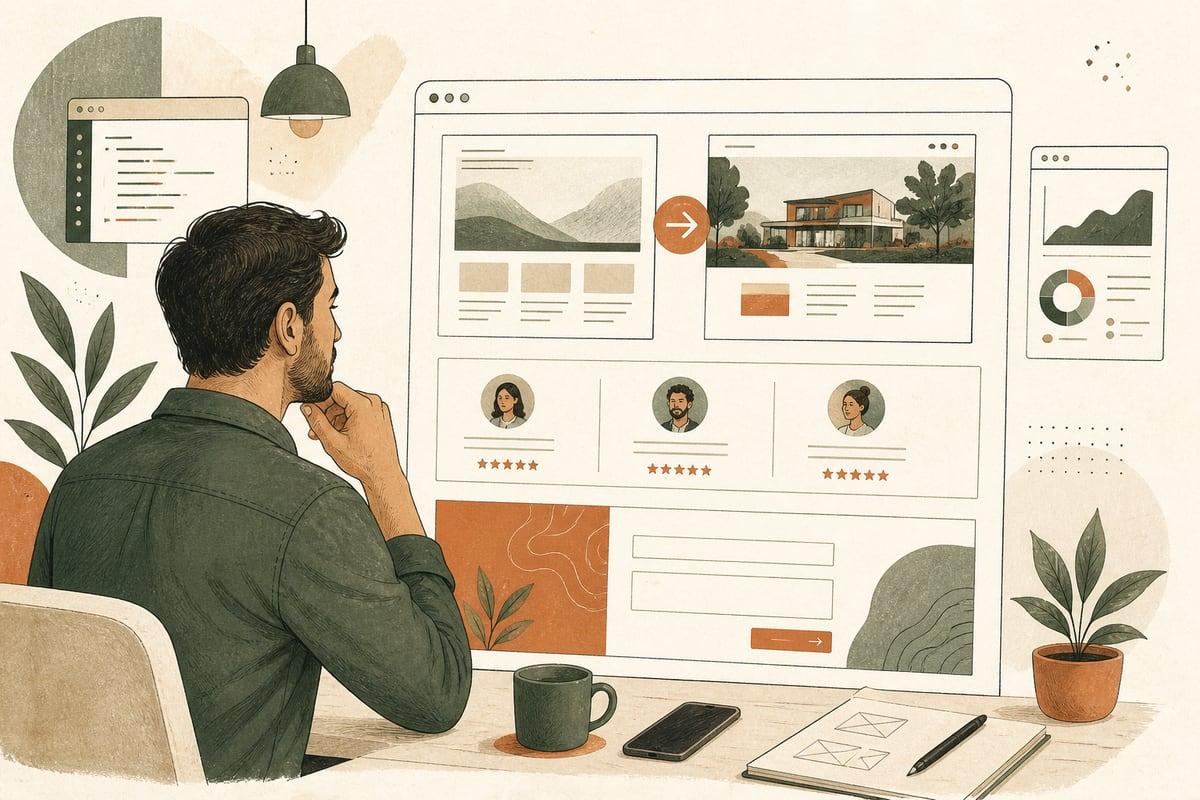
Before-and-after examples can be one of the simplest ways to make your website more convincing. If prospects are unsure whether you can really solve their problem, showing a clear transformation often builds trust faster than generic marketing copy.
Why before-and-after examples work so well
Most small-business websites talk about quality, service, and experience. The problem is that almost every competitor says the same thing.
A before-and-after example does something better: it shows evidence.
For service businesses, buyers usually want to know:
- Have you handled a problem like mine before?
- What kind of improvement should I expect?
- Do you understand the starting point, not just the finished result?
- Can I trust you to deliver a real outcome?
A good before-and-after section helps answer all four.
This is especially useful for businesses where prospects may feel uncertain, embarrassed, overwhelmed, or skeptical before reaching out. Think contractors, med spas, clinics, landscapers, attorneys, organizers, cleaning companies, home service providers, and many others.
What counts as a before-and-after example?
It does not have to be dramatic photos only.
Depending on your business, before-and-after proof can include:
- Project photos
- Room, yard, or exterior transformations
- Website redesign screenshots
- SEO visibility improvements shown carefully and honestly
- Process improvements
- Timeline improvements
- Repair or restoration comparisons
- Documented service outcomes
- A short story showing the client’s problem before and the result after
For some businesses, visual proof is obvious. For others, the “after” is more about clarity, convenience, risk reduction, or saved time.
For example:
- A law firm might show how a confusing process became a clear step-by-step client experience
- A clinic might show treatment journey explanations rather than promising outcomes it cannot ethically guarantee
- A web company might show an outdated site before and a faster, clearer, mobile-friendly site after
- A contractor might show damaged surfaces before and completed work after
The key is this: show the change your service creates.
When before-and-after examples help the most
Adding these examples is especially valuable if your website currently gets traffic but not enough inquiries, or if prospects seem hesitant on first contact.
They tend to help most when:
- Buyers need reassurance before contacting you
- Your service is a meaningful purchase, not an impulse buy
- Competitors look similar on paper
- Your work creates visible or understandable change
- You are getting low-quality leads who do not understand the value of what you do
In many cases, before-and-after examples do not just increase lead volume. They improve lead quality because people better understand what you do and what kind of results are realistic.
Where to put before-and-after examples on your website
You do not need to redesign your entire site to use this idea.
Start with the places that influence buying decisions most.
1. Service pages
This is often the best spot.
If someone lands on a service page from Google, they are already evaluating whether you can help. A relevant before-and-after example on that page can reduce doubt right away.
Example structure:
- Problem the customer had
- What was making the problem worse
- What you did
- The after result
- A CTA to contact you
2. Homepage
Your homepage should not become a giant gallery, but one strong example can help establish trust quickly.
This works well if placed:
- Below the main headline
- Near your core services
- Above testimonials
- Before the contact CTA
3. Dedicated portfolio or results page
If you have enough examples, give them a proper home.
This is especially useful for:
- Contractors
- Designers
- Landscapers
- Remodelers
- Clinics with compliant presentation rules
- Professional services with documented transformation stories
4. Location pages
If you serve multiple cities, localized examples can help visitors feel the work is relevant to their area and type of problem.
5. Sales landing pages
If you run Google Ads or local campaigns, a before-and-after example near the top of the page can improve trust before users bounce.
What makes a before-and-after example persuasive
Not every example helps. Some are too vague, too polished, or too disconnected from what the buyer actually cares about.
Here is what works better.
Use real situations
Show actual work whenever possible. Stock images and generic mockups usually weaken trust.
Add context
Do not just label two images “before” and “after.” Explain:
- What the problem was
- What mattered to the customer
- What constraints existed
- What you changed
Keep it specific
Specificity is more believable than hype.
Better:
- “Outdated mobile layout, confusing service navigation, and slow contact flow”
Less helpful:
- “We transformed their digital presence”
Focus on the buyer’s outcome
The transformation should connect to what prospects want:
- Easier use
- Better appearance
- More confidence
- Faster access to information
- Less friction contacting you
- A more professional first impression
Pair it with a next step
After someone sees proof, make it easy to act.
Examples:
- Request a quote
- Book a consultation
- Call now
- See similar work
Common mistakes to avoid
Before-and-after content can backfire if it feels exaggerated, unclear, or irrelevant.
Avoid these mistakes:
1. Using low-quality or inconsistent images
If photos are too dark, different sizes, cropped strangely, or taken from completely different angles, visitors may distrust the comparison.
2. Showing examples without explanation
Without context, buyers may not understand what changed or why it matters.
3. Overpromising results
This is especially important for legal, medical, financial, and regulated industries. Show process, clarity, or documented work without implying guarantees you cannot make.
4. Featuring the wrong kind of projects
If you want higher-value work, do not fill your site with examples that attract only bargain shoppers or the wrong customer type.
5. Hiding examples too deep in the site
If your best proof lives on a page nobody sees, it cannot help conversion much.
A simple before-and-after checklist for small businesses
If you want to add this to your website, start here.
Choose 3 to 5 examples first
Pick examples that are:
- Relevant to your most profitable services
- Representative of the kind of work you want more of
- Easy to understand
- Backed by real images or real details
Gather the right materials
For each example, collect:
- Before image or description
- After image or description
- Short summary of the original problem
- What you did
- Why the change mattered
- Optional testimonial or client feedback
Write a short caption framework
Use this structure:
- Before: what the customer was dealing with
- What we changed: your work or solution
- After: the outcome or improvement
- Next step: invite the visitor to contact you
Put them on high-intent pages first
Priority order:
- Top service pages
- Homepage
- Portfolio/results page
- Location pages
- Campaign landing pages
Track whether they help
Watch for changes in:
- Contact form submissions
- Calls from service pages
- Time on page
- Scroll depth
- Quality of leads coming in
You do not need fancy analytics to start. Even a simple increase in better conversations can tell you a lot.
Are before-and-after examples good for SEO too?
Yes, when handled correctly.
They can support SEO because they make service pages more useful, more specific, and more relevant to search intent. They may also improve engagement if visitors stay longer and interact more with your content.
They help most when you:
- Add unique written context around the examples
- Use descriptive headings and captions
- Include relevant service and location language naturally
- Optimize image file sizes and alt text
- Avoid thin pages that are only image galleries with no explanation
This is not a shortcut to rankings by itself. But it can strengthen pages that are already meant to convert local service traffic.
The trade-off: don’t let proof overwhelm the page
There is one real downside: too many examples can clutter the site and distract from action.
If every page becomes a giant showcase, visitors may browse without contacting you.
A better approach is:
- One or two strong examples on key pages
- A dedicated page for people who want to explore more
- Clear CTAs throughout
That balance lets proof support conversion instead of replacing it.
Final takeaway
If your website sounds credible but still feels a little generic, before-and-after examples can make your value much easier to believe. They help prospects picture the result, trust your process, and feel more comfortable taking the next step.
For many small businesses, this is one of the highest-impact website improvements because it strengthens trust where buying decisions actually happen: on the page, before the call.
Frequently asked questions
Do before-and-after examples only work for visual businesses?
No. They are easiest for visual industries, but service businesses can also show transformation through process improvements, clearer outcomes, or short client scenarios.
How many before-and-after examples should I add first?
Start with 3 to 5 strong examples tied to your best services. Quality matters more than volume.
Can I use before-and-after examples on my homepage?
Yes, but keep it focused. One strong example or a small preview usually works better than a large gallery.
What if I do not have perfect before photos?
You can still use short transformation stories, screenshots, documented process changes, or clearly explained project summaries.
Will adding before-and-after examples increase leads right away?
It can, especially if your site already gets traffic but lacks trust-building proof. Results depend on placement, clarity, and whether the examples match what your ideal buyers want.
If you want help improving your website so it earns more trust and more customer inquiries, book a free consultation at https://webmasterandmore.com/consultation.
Free 60-second checkup
How healthy is your own website?
Paste your address, get an instant health check — speed, mobile experience, Google visibility, trust, and security. No email required.
Check my website freeOr just take one tip a month
A short monthly email with one practical way to make your website work harder. No spam, unsubscribe anytime.