Should You Add an AI Intake Assistant to Your Website? A Small-Business Guide to Faster Follow-Up and Better Leads
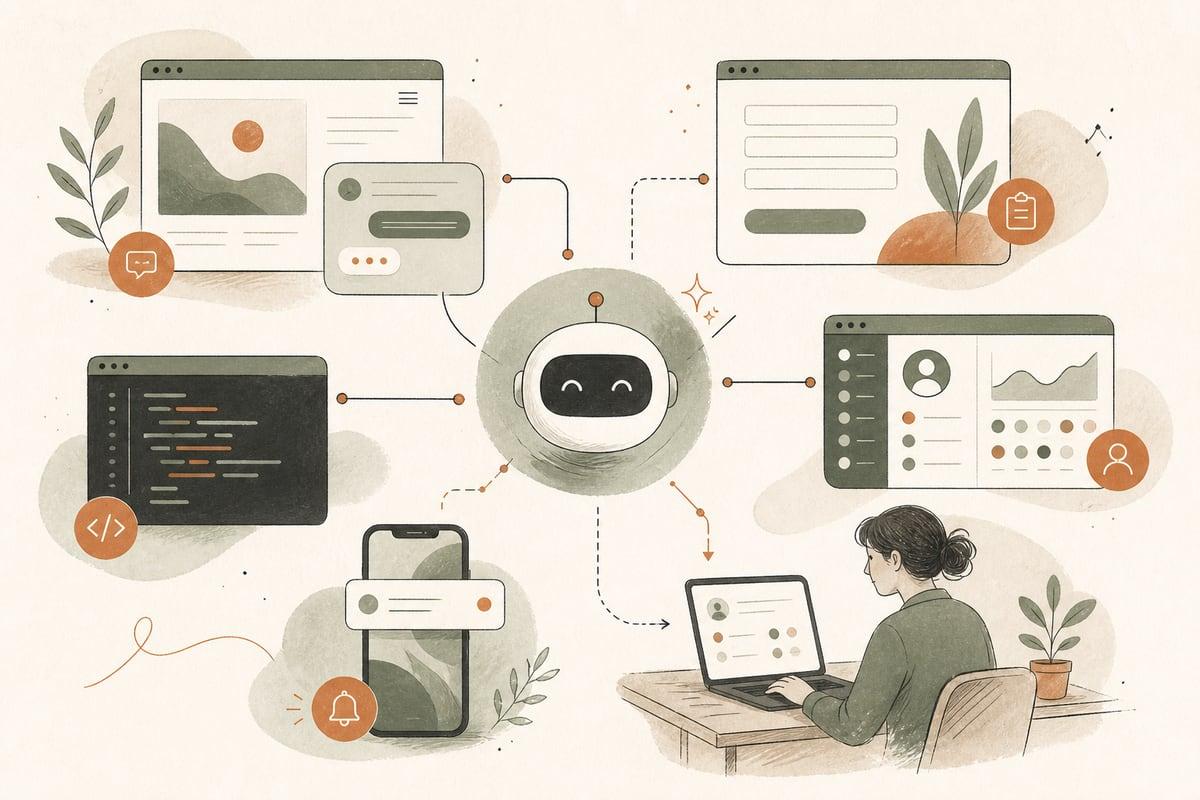
An AI intake assistant can help small businesses respond faster, collect better lead details, and route inquiries more efficiently. It is most useful when your team loses leads to slow follow-up, incomplete forms, missed after-hours inquiries, or too much back-and-forth before a real conversation happens.
What an AI intake assistant actually does
An AI intake assistant is not just a chatbot with canned answers. When set up well, it acts like a guided front desk for your website visitors.
It can:
- ask a few smart follow-up questions
- collect contact details and project information
- answer common pre-contact questions
- identify whether someone is a good fit
- route leads to the right person or department
- trigger text, email, CRM, or scheduling workflows
- help your team start the conversation with context already in hand
For a small business, that matters because most leads do not want to fill out a vague form and wait. They want quick clarity: can you help, how soon, what happens next, and how do they get started?
When this is a good fit for a small business
An AI intake assistant is a strong fit if your business gets recurring inquiries with similar first-step questions.
Examples include:
- law firms screening case types
- clinics collecting basic visit or insurance details
- contractors qualifying project scope, timeline, and location
- nonprofits directing donors, volunteers, and people seeking services
- home service companies sorting emergency vs. non-emergency requests
- consultants or agencies pre-qualifying leads before booking
It is especially helpful if:
- your current contact form is too generic
- staff spends too much time asking the same opening questions
- leads come in after hours
- you get many poor-fit inquiries
- good leads go cold before your team replies
- different inquiry types need different next steps
If your lead volume is very low or your process is highly custom from the first second, a simpler form upgrade may be enough. AI works best when there is a repeatable intake pattern.
The business problem it solves
Many website leads do not fail because your service is bad. They fail because the handoff is weak.
A visitor lands on your site, has a question, fills out a short form, and then waits. Your team replies later, asks for missing details, waits again, and momentum drops.
An AI intake assistant tightens that gap.
Instead of this:
- visitor submits “Need help, call me”
- your team asks 3 to 6 follow-up questions
- the lead disappears
You get this:
- visitor is guided through a short intake flow
- AI captures key details immediately
- your team receives a cleaner, more qualified lead
- the next step is clearer and faster
That can mean more booked consultations, fewer dead-end inquiries, and less admin time wasted on repetitive intake.
What a good AI intake assistant should ask
The goal is not to interrogate people. The goal is to collect just enough information to move them forward.
For most small businesses, a good intake flow includes:
- what the person needs help with
- location or service area
- timeline or urgency
- budget range, if appropriate
- contact preference: call, text, email, booking
- any must-have qualifying detail for your business
Examples:
For a contractor
- What type of project do you need help with?
- What city is the property in?
- Is this repair, replacement, or new installation?
- What timeline are you aiming for?
- Would you like a call, text, or estimate request next?
For a law firm
- What type of legal issue are you dealing with?
- Is this urgent?
- What county or state is involved?
- Are you contacting us for yourself or someone else?
- What is the best way to reach you today?
For a clinic
- Are you a new or existing patient?
- What service are you looking for?
- Do you want the first available appointment or a specific provider?
- Do you prefer phone, text, or online booking?
What it should not do
This part is important. AI intake should make the path easier, not create friction.
Avoid systems that:
- ask too many questions before giving any help
- pretend to be human when they are not
- give risky advice in legal, medical, or financial contexts
- trap users with no easy way to call or contact a person
- collect sensitive information without proper care
- push everyone into the same workflow regardless of need
For many businesses, the best version is a hybrid: AI handles first-step triage, then a human takes over at the right moment.
AI intake assistant vs. a regular website form
A standard form is still useful. It is simple, familiar, and fast for people who already know they want to contact you.
An AI intake assistant is better when you need to:
- guide uncertain visitors
- gather better information without a long form
- branch questions based on answers
- qualify before scheduling
- route different lead types automatically
In other words, forms collect. AI guides.
You do not always need to replace your form. In many cases, the best setup is:
- a traditional contact form for direct users
- an AI intake assistant for people who need guidance or screening
Where the ROI usually comes from
The payoff is usually not “AI for AI’s sake.” It comes from fixing expensive small breakdowns in your lead process.
Potential ROI areas include:
- fewer missed opportunities after hours
- less staff time spent on repetitive intake
- faster response speed
- better lead quality entering your pipeline
- fewer no-shows if the assistant sets expectations clearly
- better routing to the right team member
For example, if your office manager spends a big part of the day chasing missing details, even a modest improvement in intake quality can save real time. If your sales process depends on speed, getting structured information instantly can improve close rates simply because your team starts stronger.
How to tell if your business is ready
Use this quick checklist.
You are likely ready for an AI intake assistant if:
- you get repeated inquiry types every week
- your first 3 to 7 questions are mostly the same
- poor-fit leads consume too much staff time
- your current form submissions are vague or incomplete
- after-hours leads matter to your business
- your team uses a CRM, inbox, text tool, or booking system that can receive structured lead data
You may want to wait if:
- your intake process is still disorganized internally
- nobody on your team owns lead follow-up
- you do not yet know what qualifies a good lead
- your website traffic is so low that the bigger problem is visibility, not intake
A practical setup for small businesses
A solid first version does not need to be complicated.
Here is a practical rollout:
1. Define the top inquiry types
List the 3 to 5 most common reasons people contact you.
2. Identify your qualifying questions
Choose only the details your team truly needs for the next step.
3. Map the outcomes
Decide what should happen next for each inquiry type:
- send to sales
- notify service department
- offer booking
- trigger a text confirmation
- direct to emergency phone line
- send a resource before consult
4. Write plain-language prompts
Keep the assistant helpful and direct. No jargon. No robotic language.
5. Add human escape routes
Always include options to call, submit a normal form, or request a human follow-up.
6. Connect it to your real workflow
If the lead data just sits in a dashboard nobody checks, the tool will not help. It should feed your actual email, CRM, phone, or scheduling process.
7. Review real conversations
After launch, check where users drop off, which questions cause friction, and what details your team still has to ask manually.
Common mistakes to avoid
Small businesses often run into the same problems with AI tools.
Watch out for:
- using generic prompts with no business context
- making the assistant too wordy
- skipping compliance and privacy review
- failing to test mobile usability
- not training staff on what happens after AI intake
- treating it like a replacement for follow-up discipline
The tool can improve intake, but it cannot rescue a broken sales process by itself.
The bottom line
If your website gets inquiries but too many leads arrive incomplete, unqualified, or after hours, an AI intake assistant can be a very practical upgrade. The best implementations do not replace your team; they help your team start faster, ask less repetitive questions, and move good prospects toward the right next step.
For small businesses, that is where the value is: less friction, better lead handling, and more chances to turn website traffic into real customers.
Frequently asked questions
Is an AI intake assistant the same as a chatbot?
Not exactly. A chatbot may just answer questions. An AI intake assistant is designed to collect useful lead information, qualify inquiries, and trigger next steps.
Will people get annoyed if AI asks too many questions?
Yes. That is why the flow should stay short and relevant. Ask only what your team actually needs, and always give users a way to contact a person.
Can this work with WordPress?
Yes. It can be added to WordPress websites and connected to forms, CRM tools, scheduling systems, and follow-up workflows.
Is this only useful for large companies?
No. Small businesses often benefit the most because they feel the cost of slow follow-up and repetitive admin work more directly.
Should I replace my contact form with AI?
Usually not completely. Many businesses do best with both: a normal form for direct users and an AI intake path for people who need guidance or pre-qualification.
If you want help planning an AI intake assistant for your website, book a free consultation at https://webmasterandmore.com/consultation.
Free 2-minute assessment
Where could AI actually save your business time?
Answer a few questions about how you work today and get a personalized report on where AI and automation would pay off first — no email required to see it.
Take the free AI assessmentOr just take one tip a month
A short monthly email with one practical way to make your website work harder. No spam, unsubscribe anytime.