Should You Add a Website Maintenance Plan or Just Fix Problems as They Come Up? A Small-Business Decision Guide
If your website helps bring in calls, forms, bookings, or referrals, waiting until something breaks is usually the more expensive option. A website maintenance plan makes sense when your site affects revenue, reputation, or day-to-day operations — but not every business needs the same level of support.
What a website maintenance plan actually does
A maintenance plan is not just “updating plugins.” A good plan is meant to reduce downtime, prevent silent problems, protect leads, and keep your site usable and trustworthy.
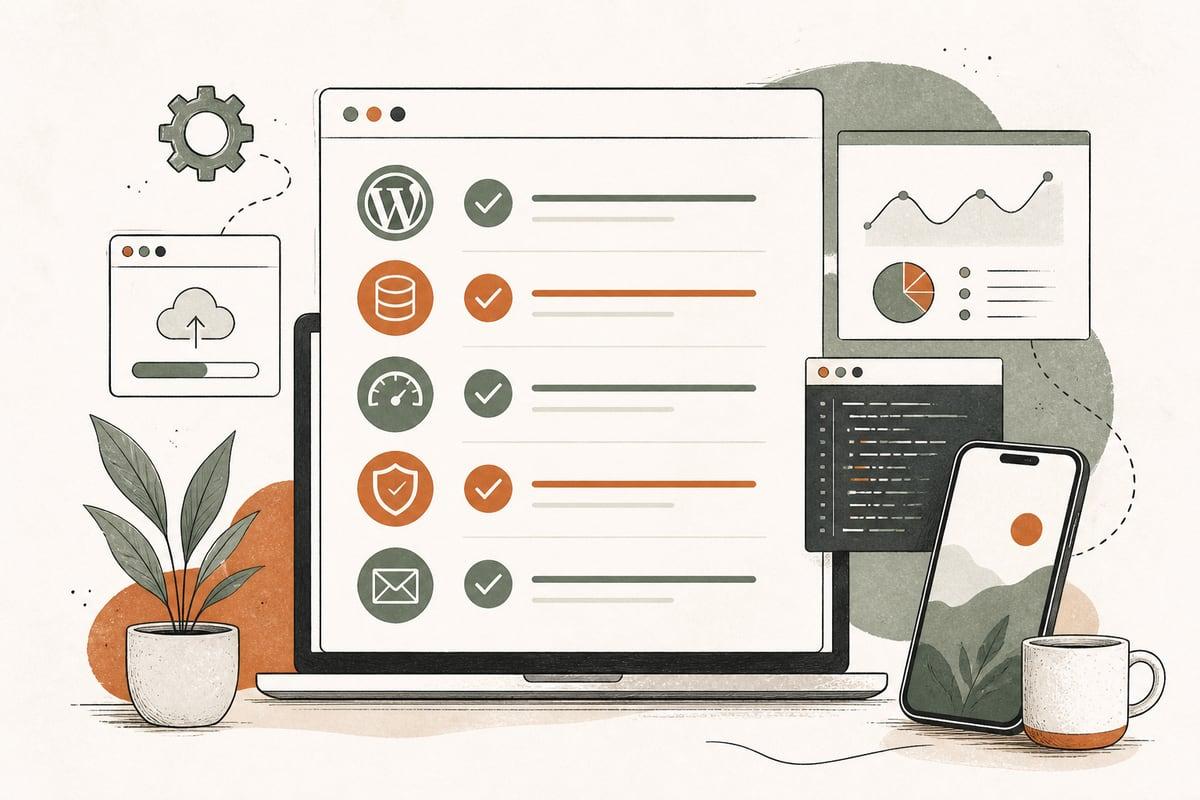
For most small businesses, that means ongoing work in five areas:
- Software updates for WordPress core, plugins, themes, and server-related tools
- Backups that are recent, restorable, and stored safely
- Security monitoring for malware, vulnerabilities, spam, login abuse, and suspicious changes
- Performance checks so the site stays reasonably fast on mobile and desktop
- Lead-path testing to make sure forms, phone links, booking tools, and emails still work
That last one matters more than many owners realize. A website can look completely fine and still be losing leads because a form stopped sending, an update broke a booking tool, or mobile users can’t tap the main CTA.
The real choice: monthly prevention vs. surprise cleanups
When owners ask whether they need maintenance, the real question is usually this:
Do you want predictable upkeep, or do you want to pay when something fails?
Break-fix can sound cheaper because there’s no recurring fee. But it comes with trade-offs:
- Problems are usually found later, not sooner
- Emergency work costs more than routine work
- Downtime can happen on nights, weekends, or during campaigns
- Small issues often become bigger cleanup jobs
- Lost leads are hard to measure, so the damage gets underestimated
A maintenance plan costs more upfront than doing nothing. But for many businesses, it lowers total risk and reduces the odds of expensive surprises.
When a maintenance plan is usually worth it
A plan is often a smart decision if any of these are true:
1. Your website regularly brings in leads
If people call, book, or submit forms through your site, it is part of your sales system. That means reliability matters. Even one broken form or missed week of downtime can cost more than months of maintenance.
2. Your site runs on WordPress with multiple plugins
WordPress is powerful, but plugin-heavy sites need care. Updates can improve security and compatibility, but they can also create conflicts. The more moving parts you have, the less safe “set it and forget it” becomes.
3. You accept payments, store customer data, or use account logins
If your site handles ecommerce, memberships, patient inquiries, legal intake, or anything sensitive, security and backup discipline become more important. You need a faster response if something goes wrong.
4. You rely on SEO or paid traffic
If you are spending money to drive visitors to your website, you do not want them landing on a slow, broken, hacked, or half-working page. Maintenance protects the asset you are paying to promote.
5. No one on your team actually owns the website
This is common. The site exists, but updates happen randomly, passwords are scattered, and no one notices problems until a customer mentions them. A maintenance plan gives the site real ownership.
When break-fix might be enough
To be fair, not every business needs a full monthly plan.
Break-fix may be reasonable if:
- Your site is very simple and rarely changes
- It is more of a digital brochure than a lead engine
- You do not run lots of plugins or custom integrations
- You have a technically capable person internally
- You still have reliable backups, security basics, and periodic testing in place
But even then, “break-fix” should not mean “ignore it completely.” You still need a minimum care routine.
The minimum website care every small business should have
If you are not ready for a maintenance plan, make sure these basics are covered:
- Weekly or daily backups, depending on how often the site changes
- Plugin, theme, and core updates on a regular schedule
- Form testing at least monthly
- Spam and security monitoring
- Uptime monitoring so you know when the site goes down
- Admin access review so ex-employees and old vendors do not keep access forever
- Basic speed checks on key pages
- Renewal tracking for domain, hosting, SSL certificate, and premium plugins
Without these, you are not really choosing break-fix. You are choosing avoidable risk.
What a good maintenance plan should include
Not all website care plans are equal. Some are little more than automated updates. That can be helpful, but it is not enough by itself.
Look for a plan that includes:
Core technical care
- Safe WordPress, plugin, and theme updates
- Backups with tested restore options
- Security scanning and hardening
- Uptime monitoring
- Plugin and license management
Lead-protection tasks
- Contact form testing
- Click-to-call and mobile CTA checks
- Booking or checkout testing
- Email delivery checks for form notifications
Performance and usability checks
- Homepage and key service-page speed review
- Mobile usability spot checks
- Broken-link review
- Image or database cleanup when needed
Reporting you can understand
You should know what was updated, what was fixed, what was monitored, and whether there are larger issues to address. A good report should help you make decisions, not bury you in jargon.
Questions to ask before you pay for website maintenance
Before signing up for a plan, ask these practical questions:
- What happens if an update breaks the site?
Do they test changes, roll them back, or restore from backup?
- How often are backups taken, and where are they stored?
A backup that cannot be restored is not much of a backup.
- Do you test forms and lead paths, or only do software updates?
This is a big difference.
- What is not included?
For example, content edits, SEO work, malware cleanup, or emergency after-hours support.
- How quickly do you respond if something goes wrong?
A local service business running ads may need faster response than a brochure site.
- Who owns logins, hosting access, and backups?
You should never be locked out of your own website.
A simple way to decide
If you are unsure, use this filter:
Choose a maintenance plan if:
- Your website brings in meaningful business
- Downtime would hurt revenue or reputation
- You use WordPress with several plugins or integrations
- You do not want staff chasing technical issues
- You want predictable support instead of emergency scrambling
Choose lighter break-fix care if:
- The site is simple and low-risk
- You have internal technical oversight
- You still commit to backups, updates, and monitoring
- You can tolerate slower response when issues happen
Common mistake: comparing maintenance cost to zero
The wrong comparison is usually:
- “Monthly maintenance costs X” vs. “doing nothing costs 0”
The more honest comparison is:
- “Monthly maintenance costs X” vs. “what a broken form, hacked site, expired plugin, malware cleanup, or weekend outage could cost us in lost leads and repair work”
A site does not have to crash completely to become expensive. Sometimes the real cost is quieter:
- forms that stop sending
- pages that slow down after updates
- spam submissions burying real leads
- expired SSL warnings hurting trust
- old plugins creating security holes
- mobile layout issues reducing calls
Those problems often sit unnoticed until business is already being lost.
The best fit for most small businesses
For most service businesses, the right answer is not “ignore the site until it breaks,” and it is not always an expensive all-inclusive retainer either.
Usually, the best fit is a right-sized maintenance plan that covers the essentials:
- updates
- backups
- security
- uptime
- form testing
- basic speed and usability checks
That gives you protection where it matters most: keeping the website available, trustworthy, and able to turn visitors into real inquiries.
If your website is supposed to help you get more customers, maintenance is not just technical housekeeping. It is part of protecting revenue.
Frequently asked questions
How much website maintenance does a small business usually need?
It depends on how important the site is to your lead flow and how complex the setup is. A simple brochure site needs less attention than a WordPress site with forms, booking tools, ecommerce, or lots of plugins.
Can I just turn on auto-updates in WordPress?
Auto-updates can help, but they are not a full maintenance strategy. Updates can still create conflicts, and auto-updates do not replace backups, security checks, or lead-path testing.
What is the biggest risk of skipping maintenance?
Usually it is not one dramatic failure. It is silent problems: broken forms, security vulnerabilities, slow pages, spam issues, or outages that stay unnoticed too long.
Do I need maintenance if my hosting company says it handles security?
Hosting helps, but it usually does not cover everything. You still need WordPress-level updates, plugin management, lead testing, and business-specific oversight.
Is website maintenance worth it for a very small business?
If your site generates even a few valuable leads a month, often yes. The goal is not buying “more tech.” It is reducing preventable problems that can cost you customers.
If you want help figuring out whether your website needs ongoing maintenance, a one-time cleanup, or a bigger rebuild, you can book a free consultation at https://webmasterandmore.com/consultation.
Free 60-second checkup
How healthy is your own website?
Paste your address, get an instant health check — speed, mobile experience, Google visibility, trust, and security. No email required.
Check my website freeOr just take one tip a month
A short monthly email with one practical way to make your website work harder. No spam, unsubscribe anytime.