Should You Add a Live Chat Widget to Your Website? A Small-Business Guide to More Leads Without More Chaos
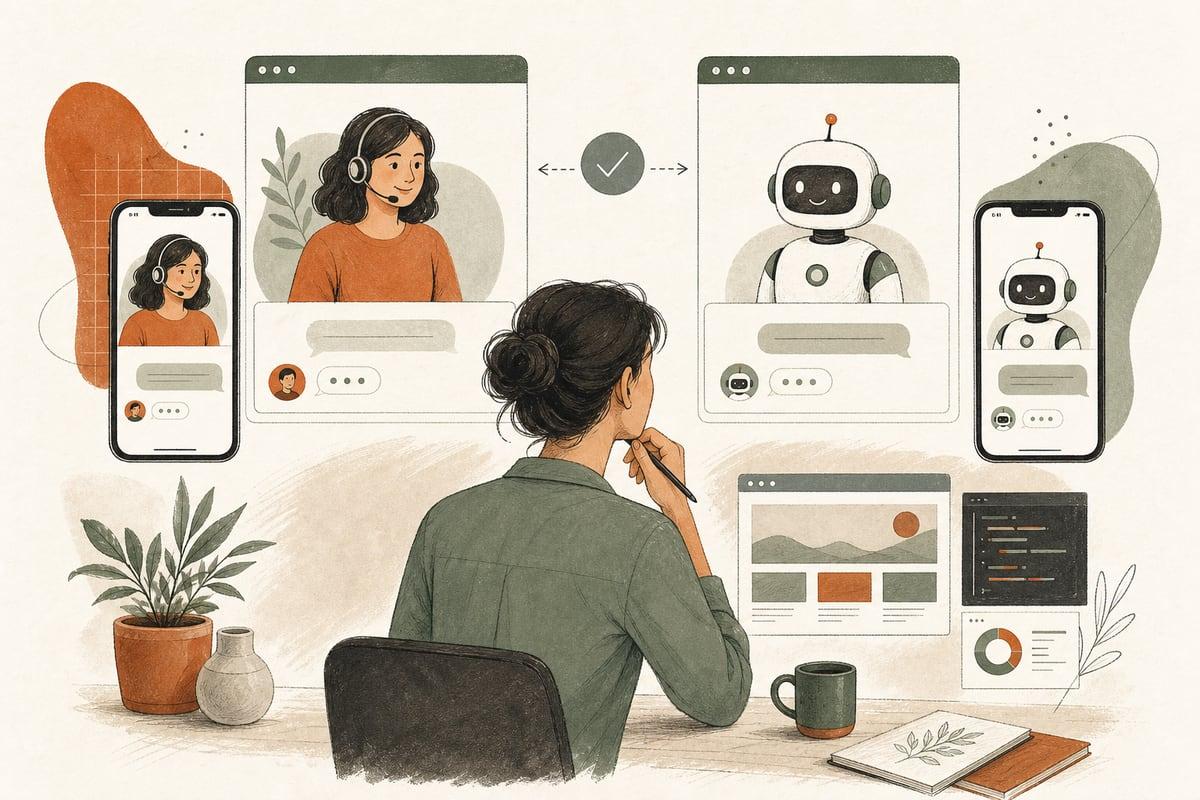
A live chat widget can increase leads for some small businesses, but it can also create more missed conversations, more distractions, and more junk inquiries if it’s added without a plan. The right question is not “Should we have chat?” but “Can we respond in a way that helps real buyers move forward?”
Why business owners get live chat wrong
A lot of small businesses add chat because it feels modern, or because a competitor has it, or because a plugin promises more conversions. But chat is not automatically helpful. If nobody answers quickly, if the widget interrupts people, or if every conversation ends with “please call us tomorrow,” it can hurt trust instead of building it.
For buyers, chat works best when it does one of three things well:
- answers simple pre-contact questions fast
- helps people choose the right next step
- captures leads cleanly when your team is unavailable
If it does not do one of those jobs, it may just become another thing on your website that looks active but does not produce revenue.
When live chat is a smart move
Live chat usually makes sense when your business gets the kind of questions people want answered before they are ready to call.
Examples:
- a law firm screening whether you handle a certain case type
- a clinic answering basic insurance, hours, or appointment questions
- a contractor helping visitors confirm service area and project fit
- a nonprofit guiding donors, volunteers, or families to the right resource
- a local service business helping customers decide whether to book, call, or request a quote
Chat is especially useful when:
- your phone goes unanswered at times
- visitors land after hours
- your contact form feels like too much commitment for early-stage buyers
- your services are confusing enough that people hesitate
- you want to reduce low-fit calls by pre-qualifying people first
In those cases, chat can remove friction and keep a lead from bouncing.
When live chat is a bad fit
Chat is not always the best next step.
It may be a poor fit when:
- your team cannot respond quickly during business hours
- almost every lead really needs a phone conversation anyway
- your website already has too many popups and interruptions
- your services are highly urgent and people should call immediately
- your staff is already overwhelmed handling current inquiries
For example, if you run a restoration company and emergency callers need immediate help, a chat box should not compete with your phone number. In that situation, chat may help only as a backup for non-emergency inquiries or after-hours intake.
The trade-off is simple: chat can increase conversations, but it also increases the need for response discipline.
Human chat vs. AI chat vs. simple lead capture
Not every chat setup needs a person sitting at a desk.
Human chat
Best when:
- your office team can answer quickly
- questions require nuance
- high-value leads justify real-time staff attention
Pros:
- feels personal
- better for complex questions
- can turn ready buyers into appointments fast
Cons:
- staffing cost
- inconsistent coverage
- missed chats if your team is busy
AI chat assistant
Best when:
- you need 24/7 first-response coverage
- you want to answer repetitive questions
- you want to pre-qualify leads before staff gets involved
Pros:
- always available
- fast answers to common questions
- can collect contact info, budget, service need, and timing
- can route people to call, book, or submit a request
Cons:
- needs careful setup
- can frustrate users if it sounds vague or robotic
- should not pretend to be human
Simple chat-style lead capture
Best when:
- you do not want full live chat
- you mainly need a lower-friction alternative to a form
- you want after-hours inquiry capture
Pros:
- easier to manage
- less operational burden
- often cleaner than a long contact form
Cons:
- not true real-time support
- may not help visitors who need immediate answers
For many small businesses, this third option is the most practical starting point.
A better decision framework: ask these 7 questions
Before adding chat, answer these honestly.
- What buyer question is chat supposed to solve?
If the answer is vague, do not add it yet.
- Who will respond, and how fast?
“When someone gets a chance” is not a process.
- Do most leads need information, reassurance, or urgent action?
Chat works differently for each.
- What should happen after business hours?
Capture only? AI answers? emergency routing?
- What are the top 10 questions people ask before they contact you?
These should shape the chat flow.
- What counts as a good lead?
Service area, budget, urgency, case type, insurance accepted, project size, and similar filters matter.
- How will you measure whether chat is helping?
Look at qualified leads, booked calls, and response speed, not just total chat volume.
If you cannot answer these, the widget is probably premature.
What a good small-business chat setup looks like
A useful chat experience is usually simple.
On-page behavior
- appears without blocking the screen
- does not fire multiple popups immediately
- is easy to close on mobile
- uses clear language like “Questions? We can help you choose the right next step.”
Conversation flow
A practical first chat flow often includes:
- what do you need help with?
- what service are you looking for?
- where are you located?
- is this urgent?
- what is the best phone or email?
- would you like us to call, text, or email you?
That basic structure can dramatically improve lead routing.
Clear next steps
The chat should not trap people in endless back-and-forth. It should guide them to one of these outcomes:
- call now
- request a quote
- book an appointment
- leave contact details for follow-up
- get directed to the right page or FAQ
Common mistakes that make chat underperform
These are the issues that waste the most opportunities.
1. Treating chat like decoration
If it is there only because “all websites have it now,” it usually becomes ignored software.
2. Hiding the phone number because chat exists
Chat should support contact options, not replace the one your buyers prefer.
3. Letting AI answer questions it should escalate
AI can handle routine questions well, but sensitive legal, medical, or complex pricing questions may need a person.
4. Collecting chats but not routing them properly
If transcripts sit in an inbox nobody checks, nothing improves.
5. Using generic scripts
A chat assistant should reflect your business, your service area, and your intake process. Generic messaging sounds generic.
How to test chat before committing fully
You do not need a giant rollout.
Try this low-risk approach:
Week 1: define the goal
Pick one primary use case, such as:
- after-hours lead capture
- answering common pre-sales questions
- qualifying quote requests
Week 2: write the script
Build a short flow around real questions customers ask now. Keep it focused.
Week 3: install on high-intent pages only
Start on pages like:
- service pages
- pricing or estimate-related pages
- contact page
You may not need it on every page.
Week 4-6: review quality, not just quantity
Check:
- how many conversations turned into real leads
- whether staff follow-up improved
- what questions kept coming up
- whether the chat distracted from calls or bookings
Then adjust or remove it based on evidence.
The ROI view: where chat actually pays off
Live chat is worth it when it helps you recover leads you would otherwise lose.
That usually happens in one of these situations:
- visitors arrive after hours and do not want to wait
- buyers need one small question answered before contacting you
- staff wastes time on bad-fit calls that could be filtered earlier
- mobile users want a fast, low-pressure way to start
But if chat simply adds more unqualified conversations, slow responses, or duplicated work, the ROI is weak.
For many small businesses, the real win is not “adding chat.” It is designing a cleaner contact path: call for urgent issues, book for consults, chat for quick questions, and forms for detailed requests.
Bottom line: should you add live chat?
Add live chat if it solves a real buyer problem, matches your team’s response ability, and leads people toward a clear next step. Skip it, simplify it, or use AI-assisted intake if a full live-chat promise would create more chaos than conversions.
The best setup is the one your business can actually support consistently.
Frequently asked questions
Does live chat help SEO?
Not directly in most cases. Chat can help conversions, user experience, and lead capture, but it is not a magic SEO tactic by itself.
Is AI chat better than human chat?
It depends on the job. AI is great for first-response coverage and routine questions. Human chat is better for complex or high-trust conversations.
Should chat appear on every page?
Not necessarily. Many businesses get better results by placing it only on high-intent pages where visitors are closer to contacting you.
What if my team cannot respond immediately?
Use a chat-style lead capture or AI assistant that sets clear expectations and routes inquiries properly, instead of pretending someone is live when they are not.
How do I know if chat is working?
Track qualified leads, booked appointments, response time, and lead quality. Do not judge success by chat volume alone.
If you want help deciding whether live chat, AI chat, or a simpler lead-capture setup fits your website, you can book a free consultation at https://webmasterandmore.com/consultation.
Free 60-second checkup
How healthy is your own website?
Paste your address, get an instant health check — speed, mobile experience, Google visibility, trust, and security. No email required.
Check my website freeOr just take one tip a month
A short monthly email with one practical way to make your website work harder. No spam, unsubscribe anytime.