How to Choose the Best Contact Method for Your Website: Call, Form, Chat, Text, or Booking?
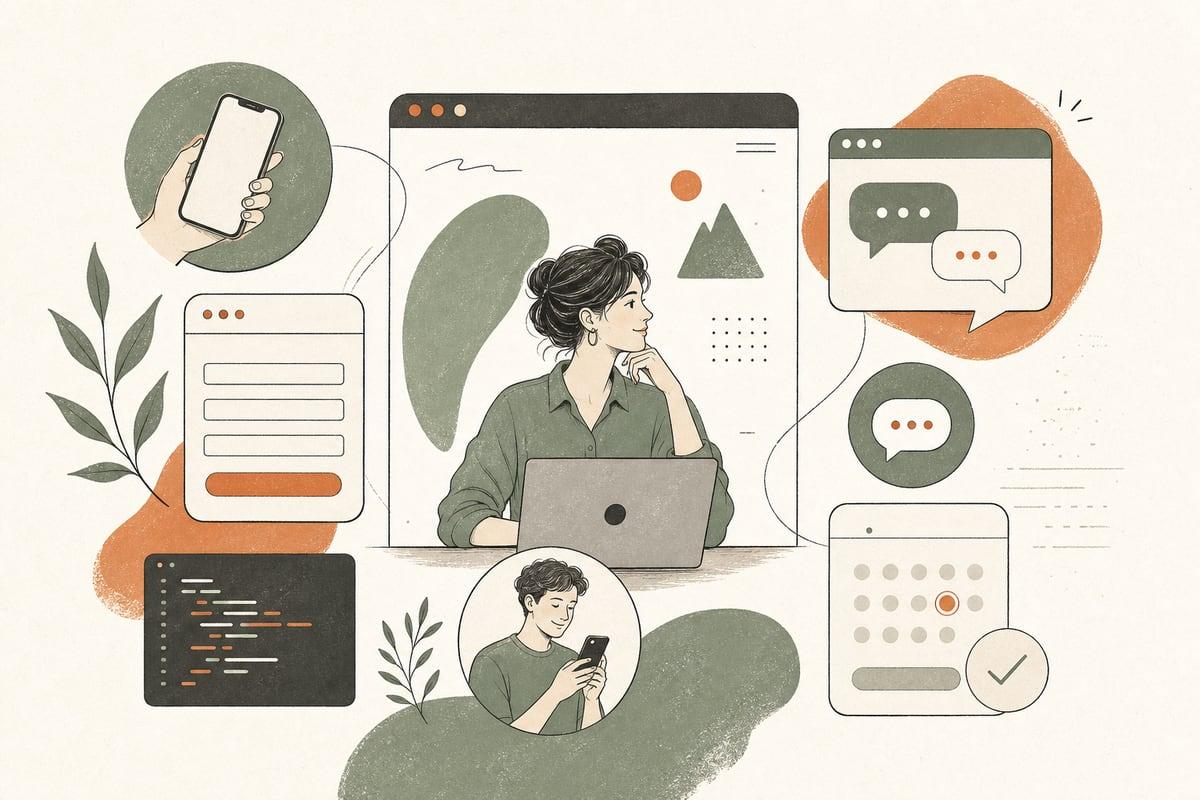
Most small-business websites do not need more contact options — they need the right ones. If your site makes people call when they want to text, or fill out a long form when they are ready to book, you create friction and lose customers.
Why this decision matters more than most business owners realize
Your contact system is where website traffic turns into real opportunities. You can spend money on SEO, ads, social media, or a redesign, but if the next step is inconvenient, confusing, or slow, the lead often disappears.
A common mistake is trying to please everyone by adding everything at once: a phone number, a long form, a chatbot, online booking, Facebook Messenger, and a “text us” button. That can work in some cases, but it often creates clutter and operational problems.
The better approach is simpler:
- match contact options to how your customers prefer to buy
- match them to how your team actually responds
- prioritize speed and clarity over quantity
If you only respond well to two channels, those two channels will usually outperform five neglected ones.
The 5 main website contact methods — and when each works best
Here is a practical look at the main options small businesses use.
1. Phone calls
Phone calls are best when customers have urgency, emotion, or high-stakes questions.
This often fits:
- law firms
- medical and dental practices
- restoration companies
- HVAC, plumbing, and electricians
- home services with urgent issues
- businesses selling high-ticket services
Calls work well when people want reassurance fast. They are often the highest-intent leads because the customer is willing to stop browsing and talk now.
Phone calls may not be the best primary option if:
- your team misses calls frequently
- you cannot answer after hours
- you get lots of low-fit inquiries that drain staff time
- customers usually need a quote or documentation before talking
Best practice:
- make the phone number large and tappable on mobile
- show hours clearly
- set expectations if calls are answered live, routed, or returned later
- have backup after-hours handling if missed calls are expensive
2. Contact forms
Forms are best when you need structured information before responding.
This often fits:
- contractors requesting project details
- clinics handling appointment requests
- law firms doing intake screening
- nonprofits processing inquiries from multiple audiences
- B2B service providers qualifying leads
Forms are useful because they help you collect the basics up front. They also give customers a low-pressure way to reach out.
But forms fail when they are too long, too vague, or not connected to a real follow-up process.
Best practice:
- ask only for what your team truly needs first
- include 4 to 7 fields for most first-touch inquiries
- use clear labels like “Request an estimate” or “Ask about availability”
- send confirmations so users know their message went through
- route submissions to the right person immediately
A short, focused form usually beats a giant all-purpose intake form.
3. Live chat or AI chat
Chat works best when customers have quick questions that block them from taking the next step.
Examples:
- “Do you serve my area?”
- “Do you accept my insurance?”
- “Can I get same-day service?”
- “What documents should I bring?”
Chat is especially helpful for businesses that get repetitive pre-sales questions. It can increase conversions if it removes hesitation at the right moment.
The trade-off: chat only helps if answers are accurate and the handoff is handled well. A bad chatbot that gives vague or wrong answers can hurt trust.
Best practice:
- use chat for FAQs, screening, and handoff
- keep responses specific and grounded in your real business policies
- offer a path to call, text, form, or booking when needed
- review transcripts regularly to improve answers
For many small businesses, AI chat is most useful as a support layer, not the only contact method.
4. Text messaging
Text is best when customers want convenience and low-friction communication.
This often fits:
- med spas and clinics
- salons and service businesses
- contractors coordinating estimates
- auto services
- local businesses with mobile-first customers
Texting can work very well because many people would rather send a quick message than make a call or fill out a form.
But it can create operational mess if nobody owns the inbox or response times are inconsistent.
Best practice:
- use a business texting number, not a personal cell
- set auto-replies for hours and next steps
- make sure messages are visible to the right staff
- define what types of requests should move to a call or booking flow
If your customers ask simple scheduling or availability questions, text can be one of the highest-convenience options you offer.
5. Online booking
Booking is best when your service is standardized enough for people to choose a time without needing much back-and-forth.
This often fits:
- consultations
- tours
- initial screenings
- haircut and beauty services
- basic service appointments
- discovery calls for professional services
Booking reduces admin work and can speed up conversions because it removes waiting.
But it is not ideal when every lead needs qualification, pricing varies heavily, or scheduling depends on staff review.
Best practice:
- only offer direct booking for appointment types you can reliably fulfill
- add buffer times and clear availability rules
- explain what happens after booking
- ask only essential intake questions before confirmation
Booking works best when the customer is ready and the process is truly simple.
How to choose the best primary contact method for your business
If you are unsure what to feature most prominently, start with these questions.
1. Is your customer urgent or deliberate?
Urgent buyers prefer:
- call
- text
- fast chat handoff
Deliberate buyers often prefer:
- forms
- booking
- detailed intake
A criminal defense lead at night is different from someone planning a kitchen remodel for next season.
2. Does your team answer quickly and consistently?
Your best contact method is not just what customers like. It is what your business can handle well.
If nobody answers chat, do not promote chat heavily.
If calls go to voicemail all day, phone should not be your only main CTA.
If form replies take three days, that form is hurting you.
3. Do you need to qualify people before they book or speak with staff?
If yes, use:
- a short screening form
- AI chat with qualification steps
- a call intake flow
If no, direct booking or text may be faster.
4. Are most visitors on mobile?
For many local businesses, mobile traffic is dominant. That usually makes these options more important:
- tap-to-call
- tap-to-text
- short forms
- easy booking
Long forms and complicated menus often underperform on mobile.
A simple contact setup that works for many small businesses
You do not need a complicated system to improve conversions. A practical model looks like this:
Primary CTA
Choose one main action based on buyer intent:
- “Call now” for urgent services
- “Book a consultation” for standardized appointments
- “Request a quote” for custom projects
Secondary CTA
Offer one backup path for people who do not want the primary option:
- text us
- send a short form
- chat with us
Tertiary support option
Use one lower-priority option for edge cases, not as visual clutter.
Example:
- A plumber: primary call, secondary text, short form as backup
- A law firm: primary call, secondary form, chat for FAQ triage
- A med spa: primary booking, secondary text, form for special requests
- A contractor: primary quote form, secondary call, booking for consultations if qualified
Signs your website has the wrong contact setup
Look for these warning signs:
- lots of website traffic but few real inquiries
- many abandoned forms
- high call volume but low answer rate
- staff complaining about repetitive low-quality questions
- customers saying they were not sure what to do next
- bookings from poor-fit leads who should have been screened first
These are usually not traffic problems alone. Often they are contact-flow problems.
A quick website contact-method checklist
Use this checklist to review your site:
- Is the main contact action obvious within 5 seconds?
- Does the main CTA match customer urgency?
- Is the phone number tappable on mobile?
- Is the form short and specific?
- Is chat useful, accurate, and monitored?
- Can customers text if that fits your audience?
- Does booking only appear where it makes operational sense?
- Do all inquiries go to the right person fast?
- Do visitors know what happens after they reach out?
- Are you measuring which channel actually produces real customers?
If you cannot answer yes to most of these, there is likely room for easy improvement.
The goal is not more buttons — it is less friction
The best contact setup is the one that helps the right customer reach you in the easiest possible way, while fitting how your business really operates.
That may be a phone-first website. It may be a booking-first website. It may be a short quote form supported by text and AI chat. There is no universal winner.
What matters is alignment:
- the customer’s buying behavior
- your team’s response capacity
- the complexity of your service
- the speed of your follow-up
When those line up, your website becomes much better at turning visits into conversations and conversations into customers.
Frequently asked questions
Should every small-business website have a contact form?
Usually yes, but it should not always be the main CTA. A form is a useful backup even if calls or booking are your primary conversion path.
Is live chat better than a phone number?
Not automatically. Chat is better for quick questions and low-friction engagement. Phone is often better for urgent, emotional, or high-value inquiries.
When should I add text messaging to my website?
Add it when your customers are mobile-first and your team can respond reliably. It works especially well for scheduling, simple questions, and local service businesses.
Is online booking worth it for custom-service businesses?
Sometimes, but only if you offer a clearly defined consultation or appointment type. If every lead needs heavy qualification first, a form or screening step may work better.
How do I know which contact option gets the best leads?
Track lead source, response time, and closed-business outcomes by channel. The best option is not the one with the most clicks — it is the one that produces the most qualified customers.
If you want help choosing the right contact flow for your website, book a free consultation at https://webmasterandmore.com/consultation.
Free 60-second checkup
How healthy is your own website?
Paste your address, get an instant health check — speed, mobile experience, Google visibility, trust, and security. No email required.
Check my website freeOr just take one tip a month
A short monthly email with one practical way to make your website work harder. No spam, unsubscribe anytime.