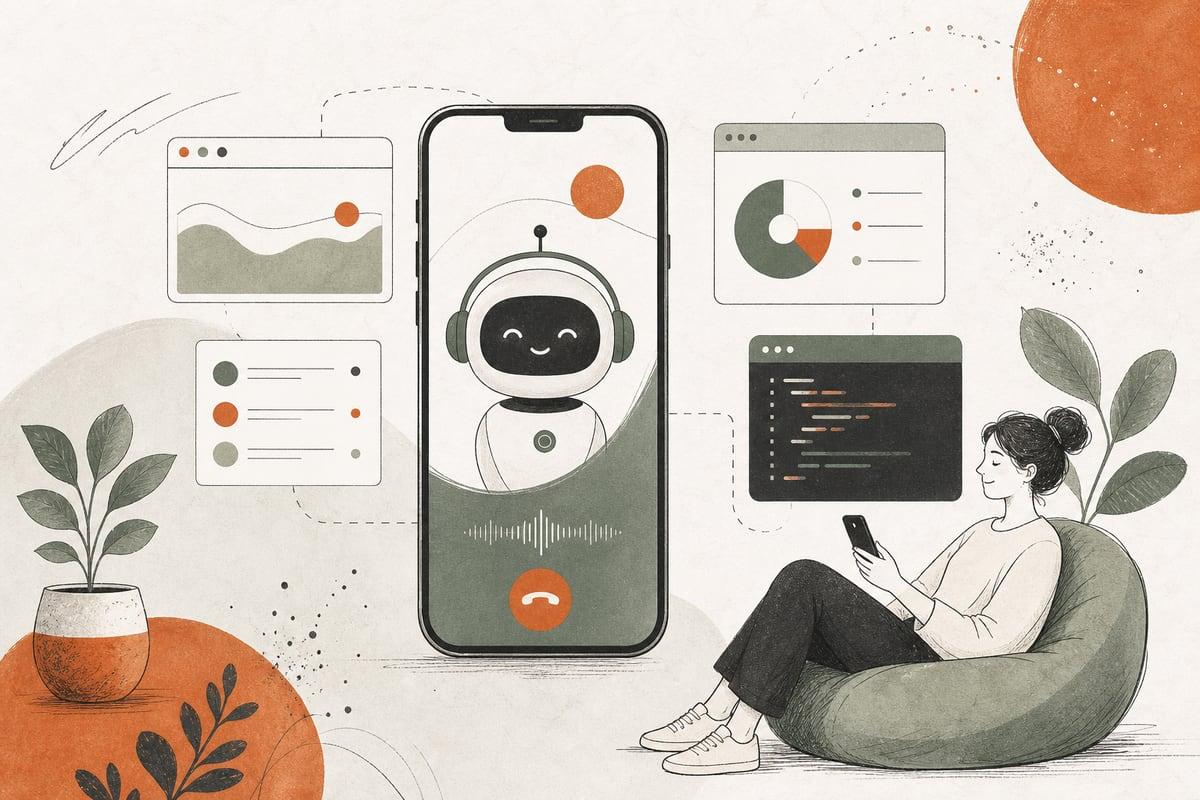
AI phone answering for small business can help you answer every call, book more appointments, and stop losing leads after hours. If your team misses calls because they are busy, understaffed, or closed, an AI phone system can act like a 24/7 receptionist that answers common questions, collects caller details, and routes urgent issues to the right person.
What is AI phone answering for small business?
AI phone answering is a phone system that uses conversational AI to speak with callers in natural language. Instead of sending people straight to voicemail or a rigid phone tree, it can:
- Greet callers professionally
- Answer common questions
- Collect names, phone numbers, and reasons for calling
- Book appointments or consultation requests
- Transfer urgent calls to a real person
- Send text follow-ups
- Create notes in your CRM or inbox
For many small businesses, this works like a virtual receptionist that never takes a lunch break, never misses after-hours calls, and can handle multiple calls at once.
Why small businesses are adopting it
Most small businesses do not lose leads because their service is bad. They lose leads because nobody answered quickly enough.
If you run a clinic, law office, contractor business, nonprofit, or local service company, a missed call often means a missed customer. Many callers will simply try the next business in Google search results.
AI phone answering helps by:
- Covering nights, weekends, and holidays
- Handling overflow when your front desk is busy
- Giving instant responses to common questions
- Capturing leads before they bounce to a competitor
- Reducing repetitive interruptions for your staff
- Creating a more consistent caller experience
This is especially useful for businesses that depend on speed to lead, such as:
- Medical and dental practices
- Law firms
- HVAC, plumbing, electrical, and roofing companies
- Salons and spas
- Property managers
- Home service providers
- Nonprofits with limited office coverage
What an AI phone receptionist can actually do
A good AI setup should do more than just answer the phone. It should be tied to the real way your business operates.
Common tasks it can handle
- Answering FAQs like hours, location, service areas, and pricing basics
- Qualifying leads with a short set of questions
- Booking appointments or estimate requests
- Routing sales calls, support calls, and billing calls differently
- Recognizing urgent situations and escalating them
- Sending a summary to your staff by email or text
- Logging calls in a CRM, help desk, or intake form
Example use cases
For a contractor:
The AI answers, asks what type of issue the caller has, confirms ZIP code and urgency, and sends a lead summary to your estimator.
For a law firm:
It gathers the type of legal matter, whether the person is a new client, and preferred callback time, then routes high-priority cases to intake.
For a clinic:
It can handle office hours, location questions, accepted insurance basics, and appointment request intake, while sending urgent medical concerns to the proper emergency instructions or human team.
The biggest benefits
1. You stop relying on voicemail
Many callers do not leave voicemails. An AI receptionist gives them an immediate answer and a next step.
2. You capture after-hours leads
A lot of high-intent calls happen outside normal business hours. AI can turn those into scheduled callbacks or booked appointments instead of dead ends.
3. Your staff gets fewer repetitive calls
When routine questions are handled automatically, your team can focus on patient care, client service, or actual billable work.
4. Response quality becomes more consistent
AI follows the script and process you approve. That means callers hear the same accurate greeting, intake questions, and routing logic every time.
5. It can be cheaper than full-time coverage
For many businesses, 24/7 human phone coverage is not realistic. AI can provide broader coverage at a lower operating cost, especially for after-hours and overflow calls.
Where AI phone answering works well, and where it does not
AI is powerful, but it is not perfect for every call.
Best-fit scenarios
- Repetitive inbound questions
- New lead capture
- Appointment requests
- After-hours call handling
- Overflow support during busy times
- Initial screening and routing
Situations that still need people
- Highly emotional conversations
- Complex billing disputes
- Sensitive medical or legal discussions
- Escalated complaints
- Nuanced sales conversations for high-ticket services
The smartest approach is usually AI plus humans, not AI instead of humans. Let AI handle the first layer well, then hand off the right calls to your team.
What to look for in an AI phone system
Not all tools are equal. Before choosing a platform, check whether it can support your real workflow.
Essential features checklist
- Natural-sounding voice quality
- Custom business greeting and call scripts
- Call routing rules by time, issue, or urgency
- Appointment booking integration
- CRM or email integration
- Text message follow-up
- Transcripts and call summaries
- Spam filtering
- Easy handoff to a human
- Clear reporting on missed, answered, and qualified calls
Questions to ask before you buy
- Can it integrate with our calendar and website forms?
- Can we customize the conversation flow for our business?
- What happens if the caller asks something unexpected?
- How does urgent escalation work?
- Can it transfer calls to multiple team members?
- Are recordings and transcripts available?
- How are privacy and data handled?
How to set up AI phone answering the right way
A lot of failures happen because the system was turned on without enough planning.
Step 1: Review your current calls
Look at:
- The most common questions people ask
- The times you miss the most calls
- Which calls turn into customers
- Which calls should always go to a person
This helps you build useful call flows instead of generic ones.
Step 2: Write a real intake script
Your AI should sound like your business, not like a robot reading a template.
Include:
- A short greeting
- What information to collect
- What counts as urgent
- How to handle after-hours requests
- When to transfer to a human
Step 3: Connect it to your tools
The AI becomes much more valuable when it connects to:
- Google Calendar or scheduling software
- Your CRM
- Your website contact forms
- Team email or Slack
- SMS follow-up tools
Step 4: Test edge cases
Run tests for:
- New leads
- Existing customers
- Urgent issues
- Wrong numbers
- Spam calls
- After-hours bookings
Step 5: Keep improving the script
Review call summaries and transcripts regularly. If callers keep asking a question the AI cannot answer well, update the flow.
Common mistakes to avoid
Making the AI too generic
A vague assistant that only says “How can I help you?” without good routing logic will frustrate callers.
Not defining emergency or urgent scenarios
Every business needs clear rules for when a call must go to a person immediately.
Forgetting local SEO and website alignment
Your phone system should match the info on your website, Google Business Profile, and appointment pages. If your hours, locations, or services do not match, callers lose trust.
Expecting it to replace your team completely
AI works best when it supports your staff, not when it is forced into situations that require judgment and empathy.
Is AI phone answering worth it?
For many small businesses, yes, especially if missed calls are costing you leads.
It is usually worth considering if:
- You miss calls during the day
- You get a lot of after-hours inquiries
- Your front desk is overloaded
- You rely on phone calls for new business
- You want faster lead response without hiring full-time coverage
It may be less urgent if most of your leads already come through forms, you have strong live coverage, or phone calls are a minor part of your sales process.
The ROI question is simple: if answering more calls leads to more booked jobs, consults, or appointments, the system can pay for itself quickly. The key is making sure it is configured around your business process, not just turned on as a novelty.
The best results come from a connected system
AI phone answering works best when it is part of a bigger customer journey.
That means your:
- Website should make it easy to call, book, or text
- Intake forms should sync with your CRM
- SEO should bring in the right local traffic
- Speed and mobile usability should support conversions
- Staff should see call summaries and act on them quickly
When all of that works together, your business becomes easier to reach and faster to respond, which is exactly what many customers want.
Frequently asked questions
Can AI answer my business phone after hours?
Yes. One of the biggest benefits is 24/7 coverage for after-hours calls, weekend inquiries, and holiday lead capture.
Will callers know they are speaking to AI?
Usually yes, and that is fine if the experience is helpful, clear, and efficient. The goal is not to trick people. The goal is to help them quickly.
Can AI phone answering book appointments?
Yes, many systems can connect with calendars or scheduling tools to book consultations, service calls, and intake appointments.
Is AI phone answering good for law firms, clinics, and contractors?
Yes, especially for intake, FAQs, lead qualification, and after-hours coverage. Just make sure sensitive or complex calls can escalate to a human.
How do I know if my business is a good fit?
If phone calls are important to winning customers and your team misses calls or gets overloaded, you are likely a strong candidate.
If you want help planning an AI phone answering setup that fits your website, intake process, and customer workflow, book a free consultation at https://webmasterandmore.com/consultation.
Free 2-minute assessment
Where could AI actually save your business time?
Answer a few questions about how you work today and get a personalized report on where AI and automation would pay off first — no email required to see it.
Take the free AI assessmentOr just take one tip a month
A short monthly email with one practical way to make your website work harder. No spam, unsubscribe anytime.