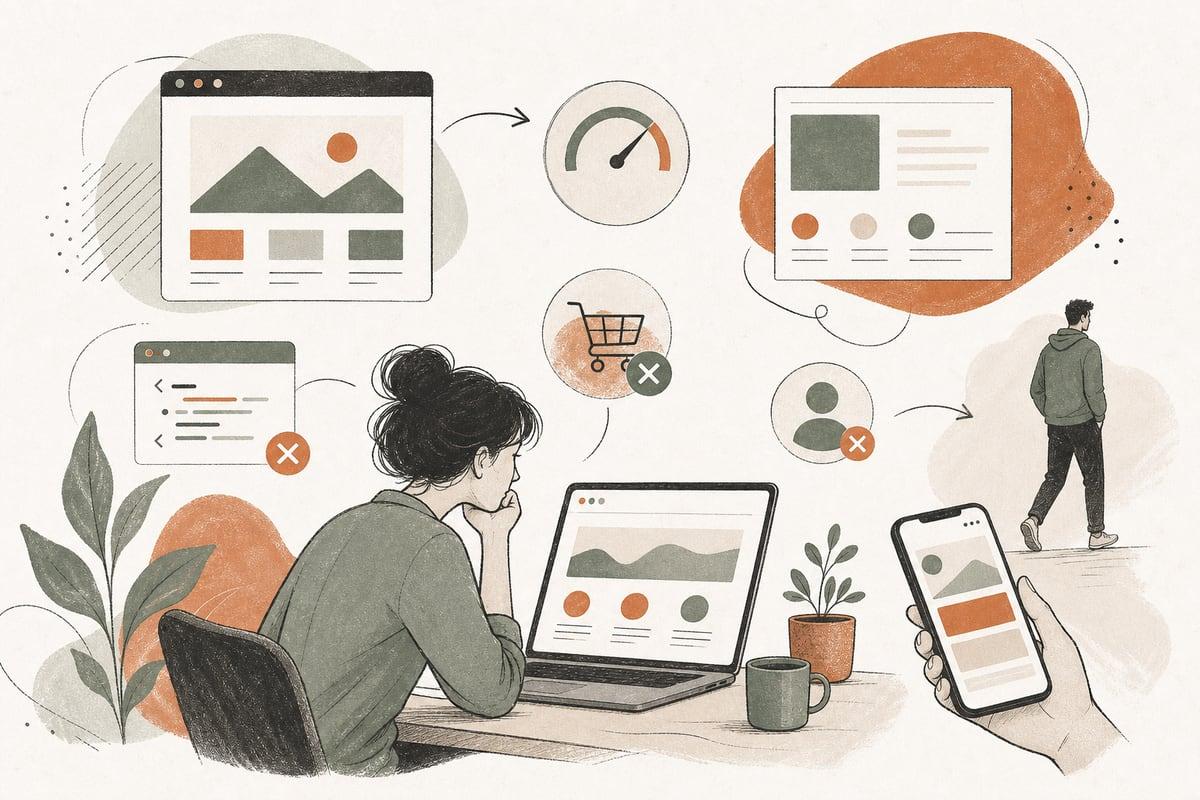
If your site loads slowly, feels confusing, looks outdated, or makes it hard to contact you, it is likely costing you real customers. The good news is that most website conversion problems are fixable once you know what to look for.
1. Your website is slow, especially on mobile
A slow website is one of the most common signs your website is losing customers. People may not tell you your site is slow. They just leave and try the next business.
This matters even more for local businesses and service providers because many visitors are checking your site from a phone while they are actively comparing options. If your homepage, service pages, or contact form drag, you lose momentum at the exact moment someone is ready to call or book.
Warning signs
- Pages take several seconds to fully appear
- Images load late or jump around on the screen
- The mobile version feels clunky or laggy
- Visitors leave after viewing only one page
- Your Google PageSpeed or Core Web Vitals reports show problems
What usually causes it
- Oversized images
- Too many plugins or scripts
- Cheap or overloaded hosting
- Bloated themes or page builders
- No caching or performance optimization
What to fix first
- Compress and properly size images
- Remove unnecessary plugins and third-party scripts
- Enable caching and a content delivery network if appropriate
- Test your site on real phones, not just desktop
- Consider a faster rebuild if the current setup is fundamentally bloated
There is a trade-off here: advanced visuals, animations, and heavy tracking tools can look impressive, but they often hurt speed. For most small businesses, a faster site that gets more calls is more valuable than flashy effects.
2. Visitors cannot quickly tell what you do or why they should choose you
When someone lands on your website, they should understand within a few seconds what you offer, who you help, and what to do next. If that message is vague, visitors hesitate. Hesitation loses customers.
Many small-business websites talk too much about the company and not enough about the customer problem being solved. Others use generic headlines like “Welcome to Our Website” or “Quality You Can Trust,” which sound nice but say almost nothing.
Warning signs
- Your homepage headline could apply to almost any business
- Important services are buried below the fold
- Visitors ask basic questions that your website should answer
- Different pages use inconsistent messaging
- There is no clear next step like call, schedule, request quote, or book consultation
What strong messaging looks like
A good homepage should quickly answer:
- What do you do?
- Who is it for?
- What area do you serve?
- Why should someone trust you?
- What should they do next?
For example, a stronger message is not “Professional Legal Solutions.” It is something more specific like: “Employment law firm serving Los Angeles employers with workplace investigations, compliance, and defense.” That gives clarity immediately.
What to fix first
- Rewrite your homepage headline to be specific
- Put your main services near the top of the page
- Add a clear call to action in the header and hero section
- Include trust signals like reviews, credentials, awards, or years of experience if you have them
- Make sure each service page explains the problem, solution, and next step
Clear messaging improves conversion because it reduces confusion. People do not want to work hard to figure out whether you are the right fit.
3. Your site looks outdated or untrustworthy
An old-looking website does not always mean your business is outdated, but many visitors will make that assumption anyway. Design affects trust. If your site feels neglected, some people will wonder whether your business is also disorganized, hard to reach, or behind the times.
This is especially important for clinics, law firms, contractors, and professional services, where trust drives inquiries.
Warning signs
- The design looks several years behind current standards
- Fonts, colors, or spacing feel inconsistent
- Stock photos feel generic or low quality
- Important pages are missing or thin
- There are broken links, old blog posts, or outdated staff info
- The footer copyright is years out of date
Trust problems that quietly hurt conversions
- No testimonials or reviews
- No real photos of your team, office, or work
- No visible phone number or address when appropriate
- No HTTPS security warning or mixed-content issues
- Outdated branding that does not match your real-world business
What to fix first
- Update the visual design to feel clean and current
- Use real photos whenever possible
- Add recent reviews and relevant trust indicators
- Fix broken links and outdated content
- Make sure your contact details are accurate everywhere
- Secure the site properly and keep software updated
A redesign is not always about aesthetics. Often, the real ROI comes from improved trust, easier navigation, and clearer conversion paths.
4. It is hard to use, especially on a phone
A website can have good information and still lose customers if it is frustrating to use. Mobile usability is no longer optional. For many businesses, mobile visitors are the majority.
If someone has to pinch, zoom, hunt for buttons, or fight with a form, many will give up before contacting you.
Warning signs
- Text is hard to read on smaller screens
- Buttons are too small or too close together
- Menus are confusing
- Contact forms are long or broken
- Click-to-call does not work properly
- Important information is hidden or awkward on mobile
Areas where usability often breaks down
- Service menus with too many options
- Pop-ups that cover the screen
- Long pages with no clear calls to action
- Contact forms asking for too much information
- Booking flows with too many steps
What to fix first
- Review your site page by page on a real phone
- Make the phone number tappable
- Shorten forms to only the essentials
- Simplify navigation so core services are easy to find
- Add clear call-to-action buttons throughout the page
- Remove intrusive pop-ups and distractions
A practical rule: every important page should make it easy to do one main thing, such as call, request a quote, schedule an appointment, or submit a consultation form.
5. You are getting traffic, but not leads
This is one of the clearest signs your website is losing customers. If people are visiting but not contacting you, something in the conversion process is broken.
Traffic alone is not the goal. Qualified leads are the goal. A website that attracts visitors but fails to turn them into calls or inquiries is underperforming, even if your analytics look busy.
Warning signs
- You have website traffic but very few form submissions or calls
- Visitors spend time on service pages but do not take action
- High-intent pages have weak or missing calls to action
- You are not tracking form submissions, calls, or bookings properly
- Different marketing channels send traffic, but none convert well
What may be going wrong
- The offer is unclear
- The page does not answer key objections
- The call to action is weak or hard to find
- The contact process feels like work
- The wrong audience is landing on the page
- Your site is not measuring conversions accurately
What to fix first
- Add clear calls to action on every key page
- Create dedicated service pages instead of vague general pages
- Answer common objections directly
- Track calls, form fills, and booked appointments
- Review whether your SEO or ads are bringing the right visitors
- Test changes one at a time so you know what improves results
This is where many businesses need both design and strategy. A nicer website alone may not fix lead generation if the messaging, page structure, or tracking is weak.
A quick website self-audit checklist
If you want a fast way to evaluate whether your website is costing you customers, use this checklist:
- Does the homepage clearly explain what you do in one glance?
- Does the site load quickly on mobile?
- Is there a clear call to action on every important page?
- Can someone call or contact you in under 10 seconds?
- Do your service pages answer real customer questions?
- Does the design feel current and trustworthy?
- Are testimonials, reviews, or credentials visible?
- Are forms short and easy to complete?
- Are you tracking leads from forms, calls, and bookings?
- Is the site maintained, secure, and free of obvious errors?
If you answered no to several of these, your website may be quietly leaking opportunities.
What to do next
You do not always need a full rebuild. Sometimes a focused round of improvements to speed, messaging, mobile usability, and conversion tracking can make a big difference. Other times, an older site has too many structural issues and rebuilding it is the smarter long-term move.
The key is to treat your website like a business tool, not just an online brochure. A good site should build trust, answer questions, and make taking the next step feel easy.
If you want a professional review of whether your site is losing you customers, Webmaster & More offers a free consultation: https://webmasterandmore.com/consultation
Frequently asked questions
How do I know if my website is losing customers?
Look for signs like slow load times, high bounce rates, low lead volume, confusing navigation, poor mobile usability, and unclear messaging. If traffic is coming in but inquiries are not, that is a strong warning sign.
What is the biggest reason small-business websites lose leads?
Usually it is not one issue but a combination of slow performance, weak trust signals, and no clear path to contact you. Even small friction points can reduce conversions.
Do I need a full redesign to fix conversion problems?
Not always. Some sites improve with better copy, faster performance, simpler forms, and stronger calls to action. But if the site is outdated, bloated, or hard to maintain, a redesign may be the better investment.
How important is mobile optimization for getting more customers?
Very important. Many potential customers will visit from a phone first. If the mobile experience is frustrating, they may leave before ever calling or submitting a form.
Can website speed and SEO affect customer leads?
Yes. Faster websites generally create a better user experience, and strong SEO helps the right people find you. But traffic only matters if the site also converts visitors into calls, forms, or bookings.
If you would like help identifying the biggest conversion problems on your site, schedule a free consultation at https://webmasterandmore.com/consultation
Free 60-second checkup
How healthy is your own website?
Paste your address, get an instant health check — speed, mobile experience, Google visibility, trust, and security. No email required.
Check my website freeOr just take one tip a month
A short monthly email with one practical way to make your website work harder. No spam, unsubscribe anytime.